6
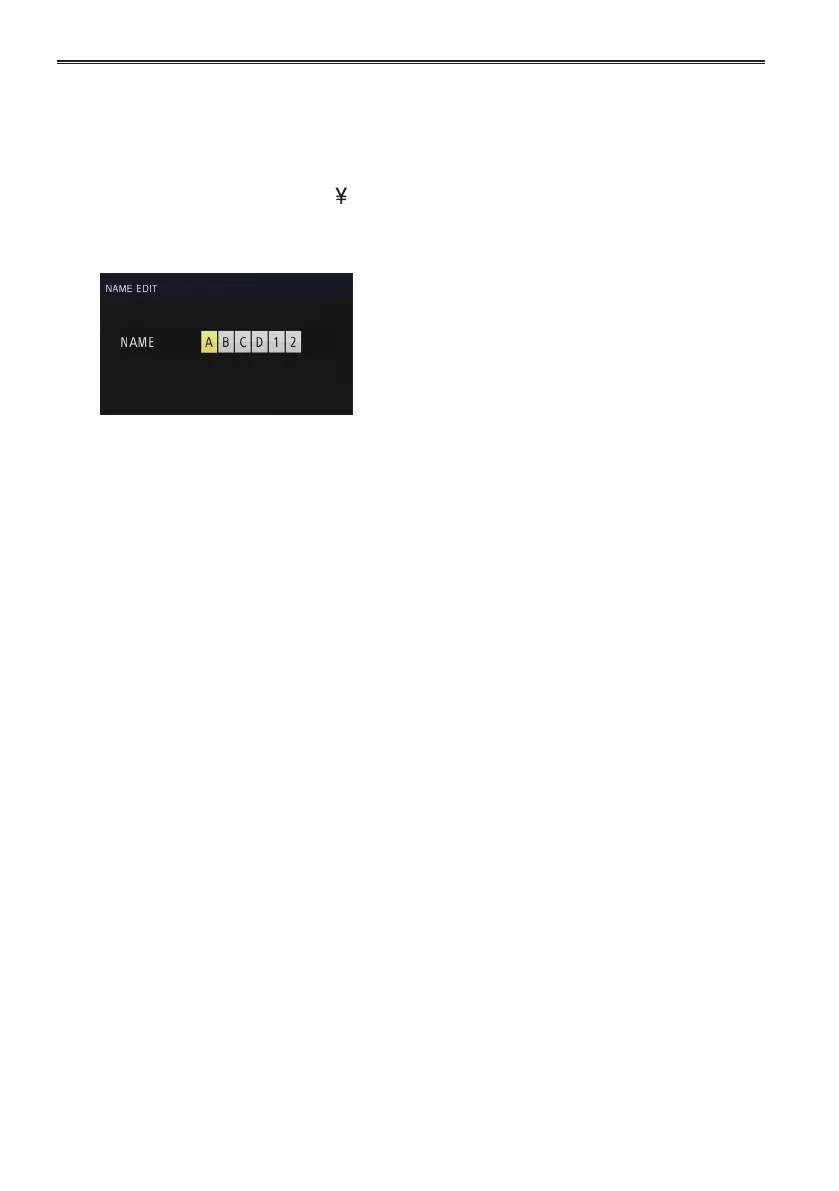
Set a 6-character filename with the
Operation lever when the following screen
is displayed.
Set the same as user information. (Page 27)
Characters that can be set•
Space, A to Z, 0 to 9, : ; < = > ? @ [
] ^_-./
If the RESET/TC SET button is pressed
when the filename has been set, the
characters are cleared.
7
After you finish setting the filename, push
the Operation lever.
8
Select YES on the confirmation screen.
Selecting YES will close the NAME EDIT •
screen and confirm all changes.
Once confirmed, all changed names and •
values will be saved even if the power is
switched off or the scene dial is moved.
Using scene files (continued)



 To Next Page