AIR SW
ING
TIM
ER
C
LO
CK
1
2
3
COOL
MODE
ECONOMY
FAN SPEED
AUTO
MANUAL
ON OFF
SET
CANCEL
SLEEP
PO
W
ERFUL
OFF/ON
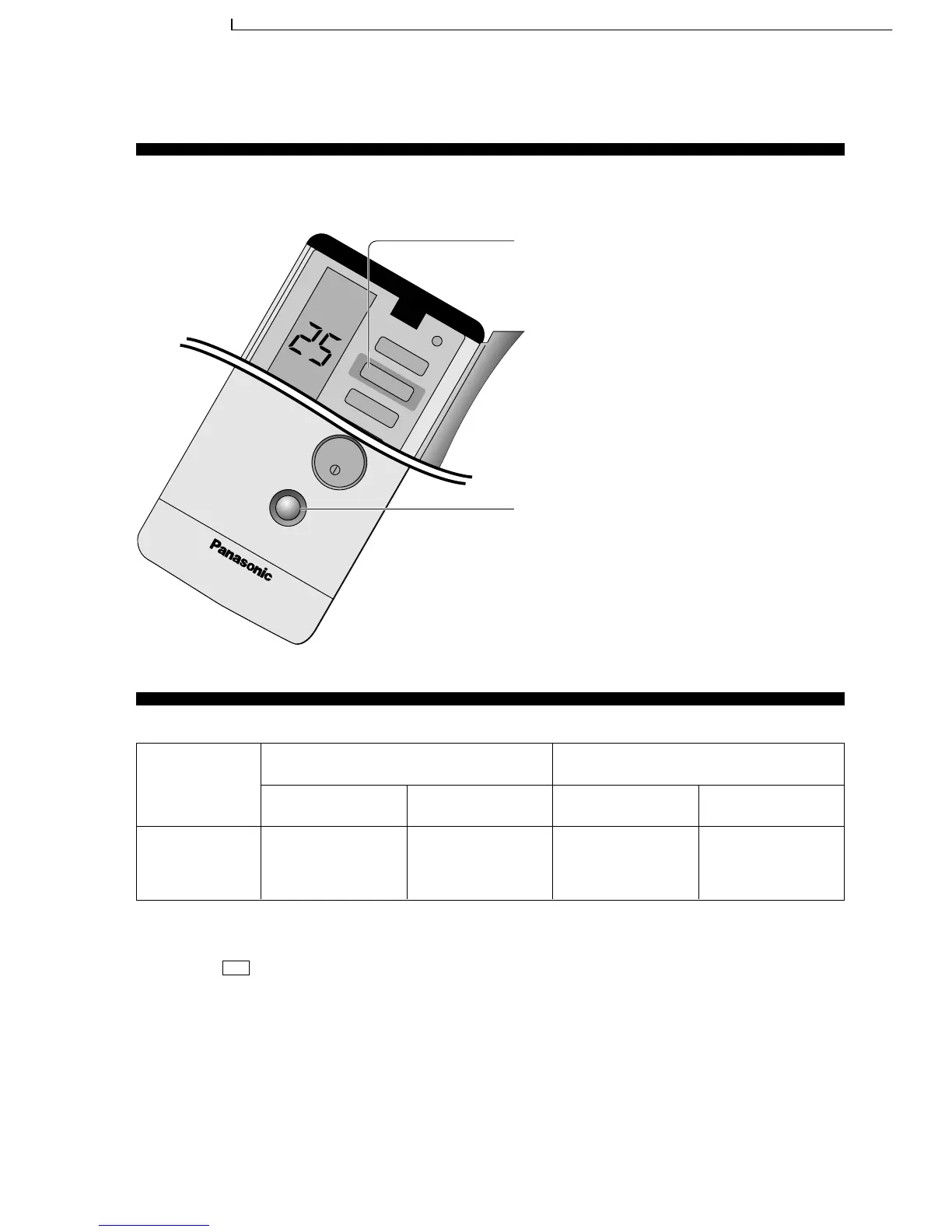
● Economy or Powerful Mode
■ Operation details
Cover
is closed
Economy operation Powerful operation
Cooling/Soft Dry
Airflow volume
Super High
Airflow volume
Low (on and off)
Economy Mode
To save electrical power consumption.
However, please use this mode when the room have
reached your desired temperature.
• Press ECONOMY
* Economy indicator (Green) on indoor unit lights
up.
• Press once more to cancel this operation.
Powerful Mode
To obtain the setting temperature quickly.
• Press POWERFUL
* Powerful indicator (Orange) on indoor unit lights
up.
* Powerful mode will operate for 15 minutes only.
• To cancel this operation, press once more.
Temperature
3°C lower than set
temp.
Temperature
0.5°C higher than set
temp.
Economy and Powerful operation cannot be selected simultaneously.
* • The changes of the temperature and airflow volume are automatic.
• The remote control display remain unchanged.
• If sleep button or operation mode button is pressed, economy or powerful operation is cancelled.
• During -Air circulation operation, the powerful and economy operation are not available.
• During Economy mode, indoor fan operates on and off at Low speed.
FAN
55
CS-MC95KE CU-MC145KE / CS-MC95KE CU-MC185KE / CS-MC95KE CU-3MC205KE / CS-MC125KE CU-MC245KE / CS-MC76KE / CS-MC126KE CU-MC196KE




 To Next Page