Chapter 4
34 Text Entry Operations
Using Letter Entry (ABC) mode
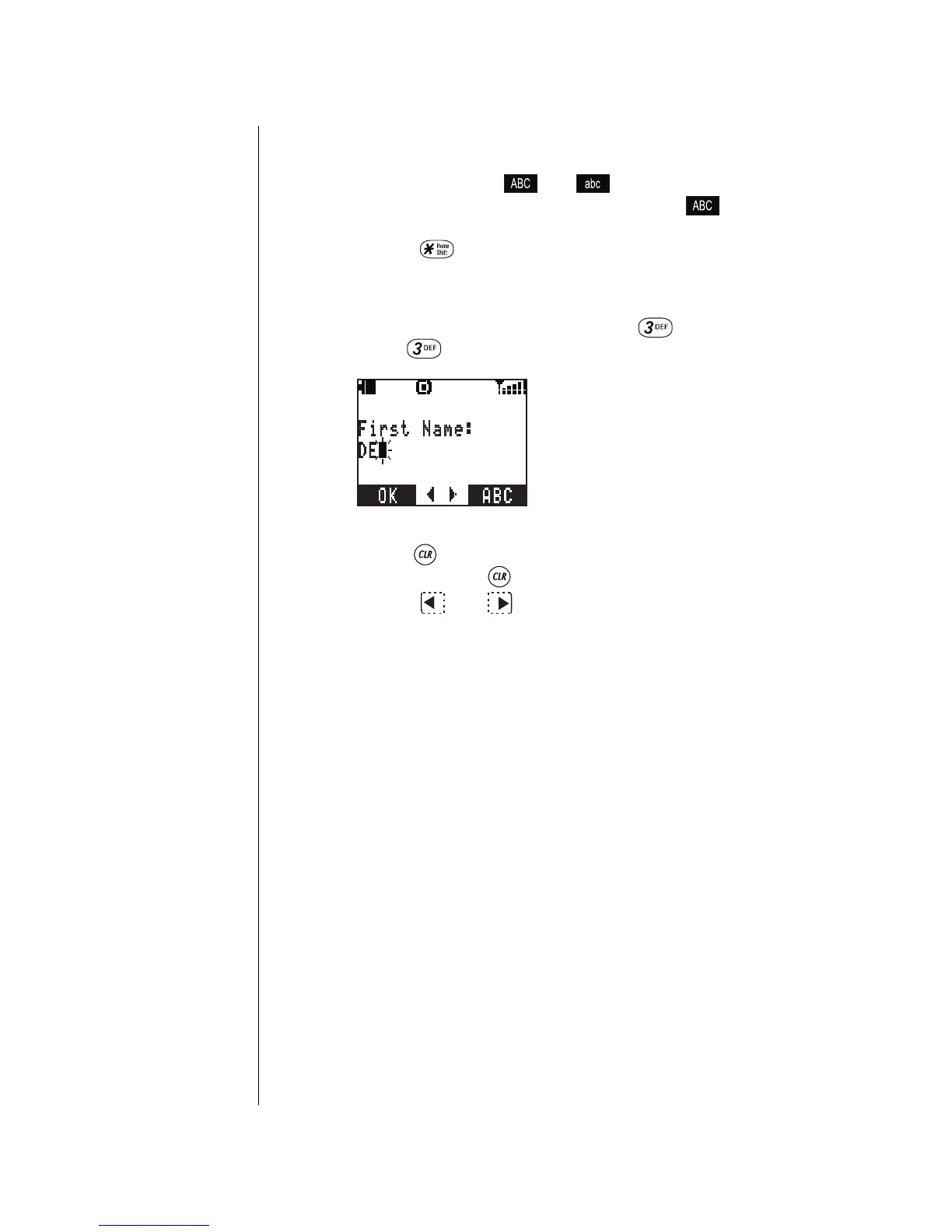
Letter Entry is the selected mode when the bottom right
corner of the display shows or . Your phone
automatically defaults to Letter Entry uppercase ( ) when
text entry is required. To switch between uppercase and
lowercase, press
.
When using Letter Entry mode, press a key once to enter the
first letter on the key, press the key twice to enter the second
letter on the key, etc…. For example, press once for the
letter “
D
”, press twice for the letter “
E
”, etc….
• Press briefly to delete the last-entered character.
Press and hold to delete the entire entry.
• Press or to scroll across characters, to
move to the next character space, or to add a blank
space.
Refer to the Key Entry Table on page 36 for the complete list
of characters for each key.



 To Next Page