95
VQT2W75
With a PC
Before using
1
What you can do with a
PC
HD Writer AE 2.6X
You can copy the motion/still picture data to the HDD of PCs or write to media like Blu-ray discs (BD),
DVD discs or SD cards using HD Writer AE 2.6
X
, the software installed in the supplied CD-ROM.
Refer to the operating instructions of HD Writer AE 2.6X (PDF file) for details on how to use it.
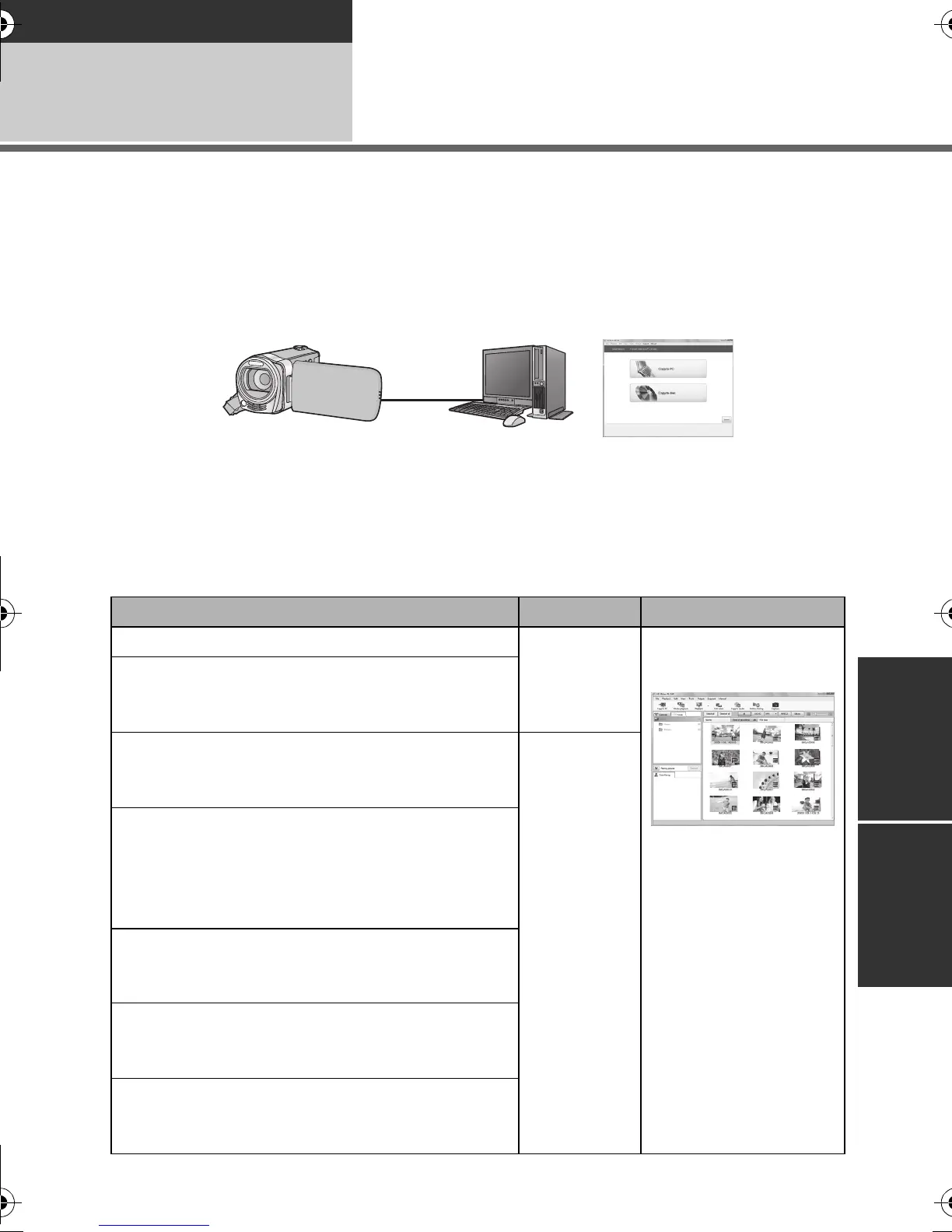
∫ Smart wizard
The Smart wizard screen is automatically displayed when you connect this unit to a PC with
HD Writer AE 2.6X installed. (l 103)
Copy to PC:
You can copy motion/still picture data to the HDD of PCs.
Copy to disc:
You can copy to disc in high definition picture quality or conventional standard picture quality
(MPEG2 format).
≥ Select the function you wish to use and follow the on-screen instructions for easy copying.
Available function Data type Software required
Copying data to a PC
Motion
picture and
still picture
CD-ROM (supplied):
HD Writer AE 2.6X
Copying in BD/AVCHD format
*
* MP4 scenes cannot be copied to BD/AVCHD
format.
Copying in DVD-Video format:
≥ Converted to conventional standard quality
(MPEG2 format).
Motion
picture
Editing:
Editing motion picture data copied on an HDD of a PC
≥ Title, Transition, Delete partially, Divide Scene
≥ Converting the motion picture data to MPEG2
≥
Converting part of motion picture into still picture
Online sharing:
You can upload motion pictures on the Internet
and share them with your family and friends.
Playing back on a PC:
Play back the motion picture data in high
definition picture quality on a PC.
Formatting discs:
Depending on the type of disc that you use,
formatting is necessary.
HDC-SDX1GC-VQT2W75_mst.book 95 ページ 2010年6月21日 月曜日 午後3時12分















 To Next Page