Preparation
11
Battery replacement
If 7 flashes even after the handset
battery has been charged for 8 hours, the
battery must be replaced.
Important:
L We recommend the use of a Panasonic
rechargeable battery as noted on page 4.
If you install a non-rechargeable battery
and start charging, the battery may leak
electrolyte.
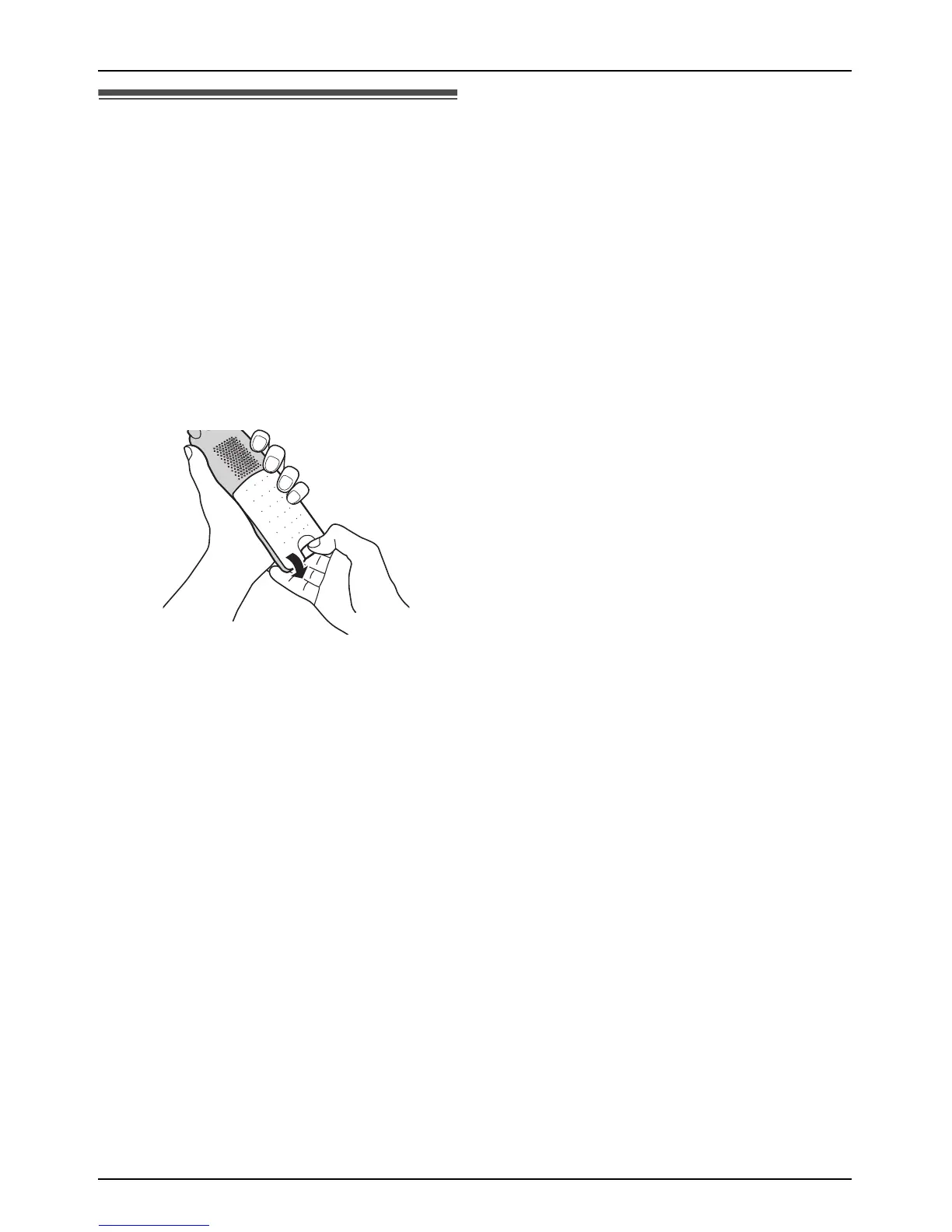
1 Release the battery cover latch and lift
the cover open.
2 Replace the old battery with a new one,
and close the cover (see page 9 for
battery installation).
Helpline Tel. No.: U.K. 08700 100 076 R.O.I. 01289 8333











 To Next Page