5
Connections
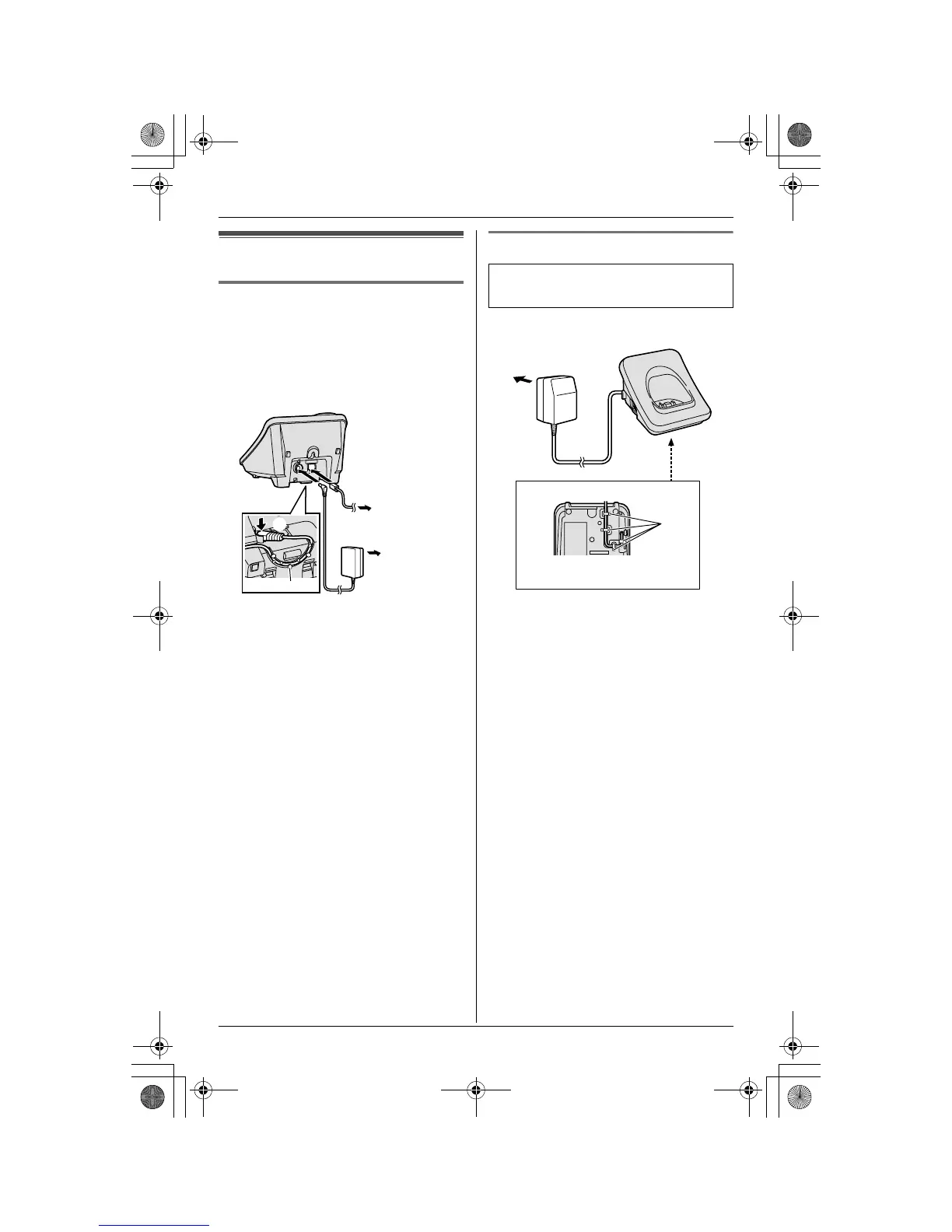
Connecting the AC adaptor and
telephone line cord
Connect the telephone line cord until it
clicks into the base unit (A) and telephone
line jack (B). Connect the AC adaptor cord
by pressing the plug firmly (C).
Note:
L Use only the included Panasonic AC
adaptor PQLV203V.
L The AC adaptor must remain connected
at all times. (It is normal for the adaptor
to feel warm during use.)
L The AC adaptor should be connected to
a vertically oriented or floor-mounted AC
outlet. Do not connect the AC adaptor to
a ceiling-mounted AC outlet, as the
weight of the adaptor may cause it to
become disconnected.
Connecting the AC adaptor
(120 V AC,
60 Hz)
To single-line
telephone jack
(RJ11C)
A
Hooks
B
C
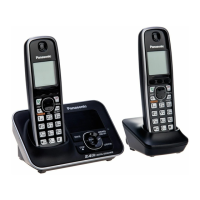
Available model:
KX-TG3032/KX-TG3033/KX-TG3034
Fasten the AC adaptor cord to prevent
it from being disconnected.
(120 V AC, 60 Hz)
Bottom of the charger
Hooks
TG302x_303x.book Page 5 Tuesday, September 26, 2006 11:05 AM



 To Next Page