9
Answering system
Recording your greeting
message
You can record your own greeting
message (max. 2 minutes) that is played
when the answering system answers a
call.
If you do not record a greeting message, a
pre-recorded greeting message is used.
1 {GREETING REC}
2 Within 10 seconds, press {GREETING
REC} again.
3 After the base unit beeps, speak clearly
about 20 cm (8 inches) away from the
MIC.
4 To stop recording, press {STOP}.
Turning the answering system
on/off
Press {ANSWER ON}.
Listening to messages
Press {MESSAGE}.
L The unit will announce the number of
new messages and will play back the
new messages.
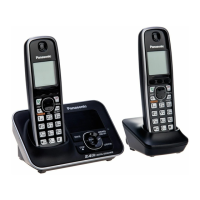
Available model:
KX-TG3031/KX-TG3032/KX-TG3033/
KX-TG3034
TG302x_303x.book Page 9 Tuesday, September 26, 2006 11:05 AM



 To Next Page