6
Battery installation
1 Insert the battery, and press it down
until it snaps into the compartment.
2 Close the handset cover.
Battery charge
Place the handset on the base unit for 6
hours before initial use.
Note:
L To ensure the battery charges properly,
clean the charge contacts of the handset
and base unit with a soft, dry cloth once
a month. Clean more often if the unit is
subject to grease, dust or high humidity.
Attention:
A nickel metal hydride battery that is
recyclable powers the product you have
purchased.
Please call 1-800-8-BATTERY for
information on how to recycle this battery.
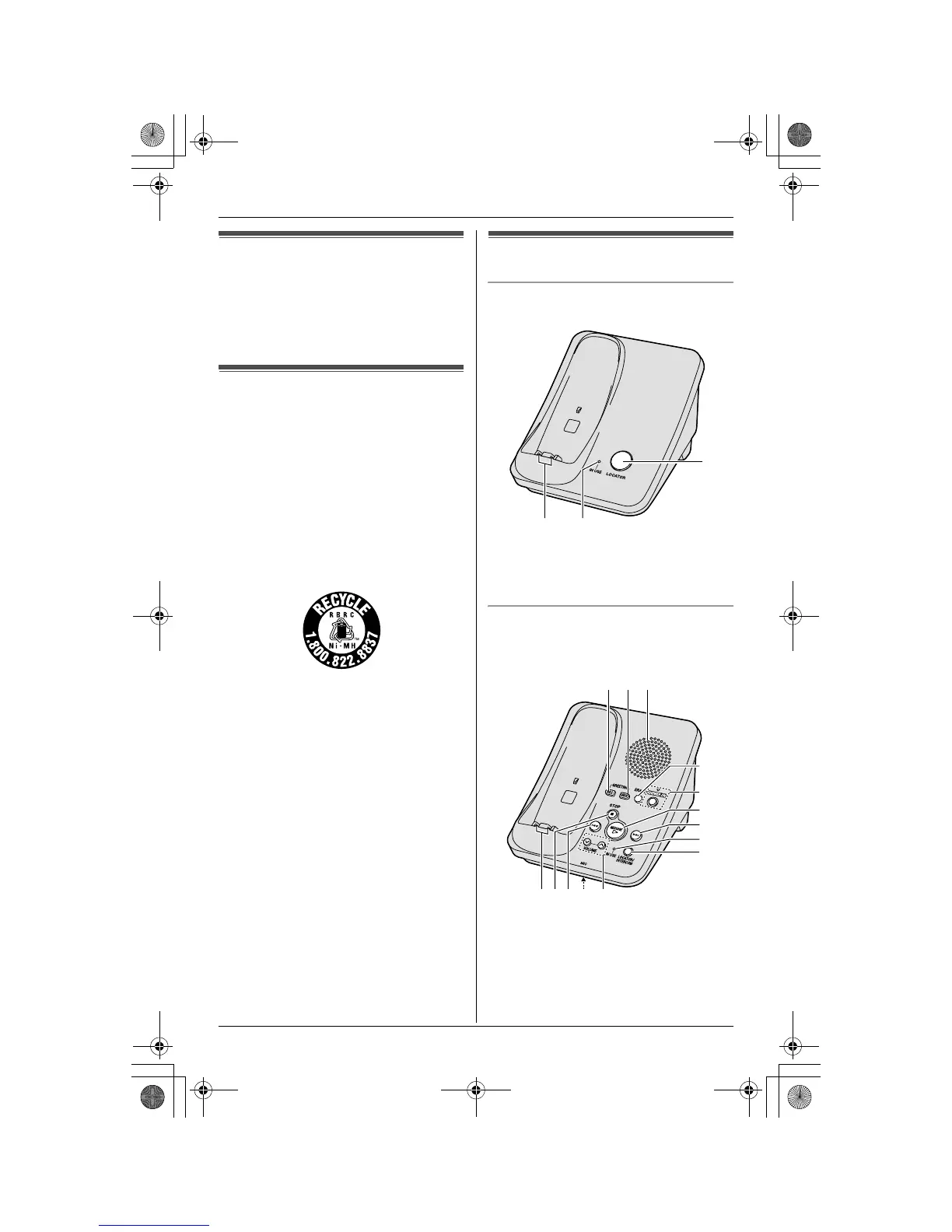
Controls
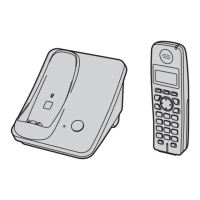
Base unit
KX-TG3021
A {LOCATOR}
B IN USE indicator
C Charge contacts
Base unit
KX-TG3031/KX-TG3032/KX-TG3033/KX-
TG3034
A {GREETING REC} (Recording)
B {GREETING CHECK}
C Speaker
D {ERASE}
E {ANSWER ON}
ANSWER ON indicator
A
BC
A B C
JKMNL
D
H
E
F
G
I
TG302x_303x.book Page 6 Tuesday, September 26, 2006 11:05 AM



 To Next Page