Preparation
12
For assistance, please visit http://www.panasonic.com/help
Note:
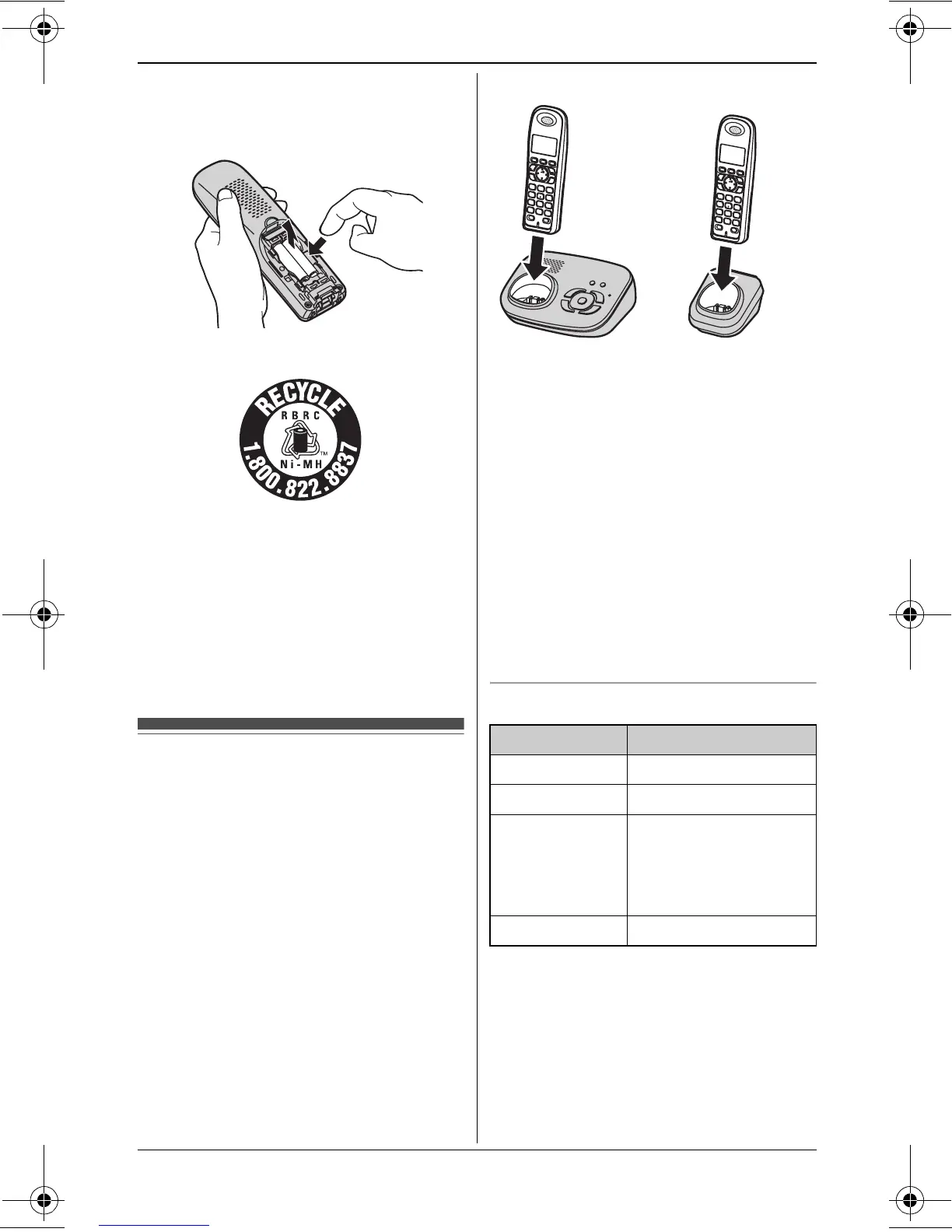
L When replacing batteries, remove the
old batteries.
Attention:
A nickel metal hydride battery that is
recyclable powers the product you have
purchased.
Please call 1-800-8-BATTERY (1-800-
822-8837) for information on how to
recycle this battery.
Battery charge
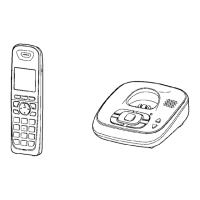
Place the handset on the base unit or
charger for about 7 hours before
initial use.
L While charging, “Charging” is
displayed and the charge indicator on
the handset lights up. When the
batteries are fully charged, “Charge
completed” is displayed.
*1 KX-TG4322/KX-TG4323/
KX-TG4324
Note:
L It is normal for the handset to feel
warm during charging.
L If you want to use the handset
immediately, charge the batteries for
at least 15 minutes.
L Clean the charge contacts of the
handset, base unit, and charger with a
soft and dry cloth once a month. Clean
more often if the unit is exposed to
grease, dust, or high humidity.
Battery level
Note:
L The batteries need to be charged if
the handset beeps while you are
engaged in a call or operating the
answering system remotely.
Base unit: Charger
*1
:
Battery icon Battery level
5 High
6 Medium
7 Low
L When flashing:
Needs to be
charged.
8 Empty
TG43xx_OI.book Page 12 Tuesday, December 11, 2007 2:04 PM




 To Next Page