Intercom/Locator
39
For assistance, please visit http://www.panasonic.com/help
L To leave the conference, press
{OFF}. The other parties can
continue the conversation.
L To put the outside call on hold,
press {HOLD}. To resume the
conference, press {Conf}.
Answering a transferred call
Press {C } to answer the page.
Note:
L After the paging party disconnects,
you can talk to the outside caller.
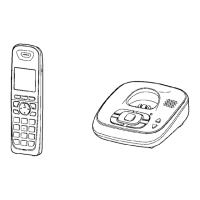
Handset locator
You can locate a misplaced handset by
paging it.
1 Base unit:
{LOCATOR}
L All registered handsets beep for 1
minute.
2 To stop paging:
Base unit:
Press {LOCATOR}.
Handset:
Press {INTERCOM}, then press
{OFF}.
Note:
L When the ringer volume for outside
calls is set to off (page 23), the
handset rings at a low level for paging.
TG43xx_OI.book Page 39 Tuesday, December 11, 2007 2:04 PM




 To Next Page