Useful Information
40
For assistance, please visit http://www.panasonic.com/help
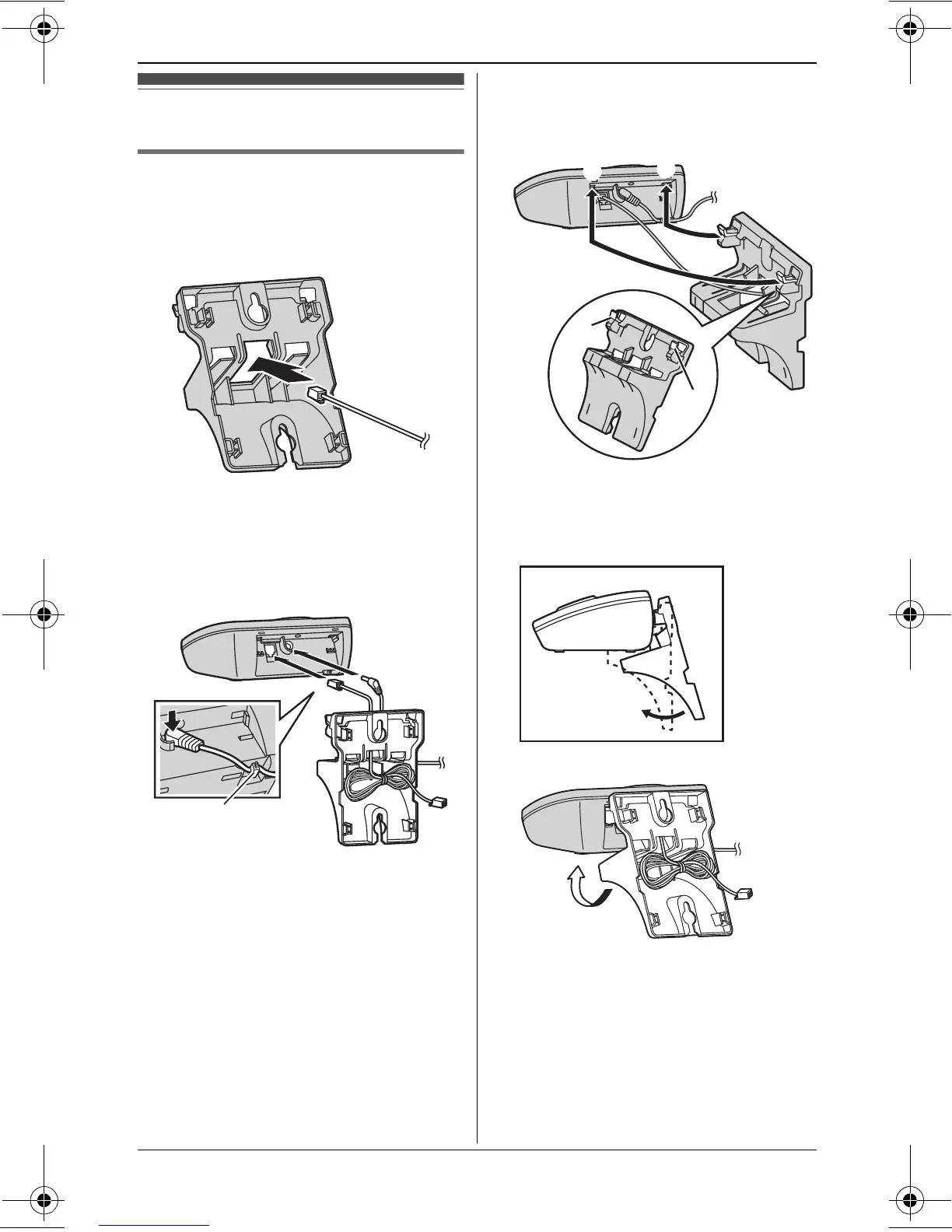
Wall mounting
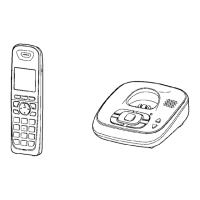
Base unit
1
Lead the telephone line cord through
the hole in the wall mounting adaptor
in the direction of the arrow.
2 Tuck the telephone line cord inside
the wall mounting adaptor (A).
Connect the AC adaptor cord and
telephone line cord (B).
3 Insert the hooks on the wall
mounting adaptor into the holes 1
and 2 on the base unit.
4 Adjust the adaptor to hold the base
unit, then push it in the direction of
the arrow until it clicks into place.
Hook
A
B
111
1
1
2
1
2
2
TG43xx_OI.book Page 40 Tuesday, December 11, 2007 2:04 PM




 To Next Page