EasyManua.ls Logo

Panasonic KX-TG9331 - User Manual

Panasonic KX-TG9331
69 pages
Print Icon
To Next Page IconTo Next Page
Loading...
Panasonic
Operating Instructions
Expandable Digital Cordless
Answering System
Model No. KX-TG9331
KX-TG9341
with 2 Handsets
Model No. KX-TG9332
KX-TG9342
with 3 Handsets
Model No. KX-TG9333
KX-TG9343
with 4 Handsets
Model No. KX-TG9334
KX-TG9344
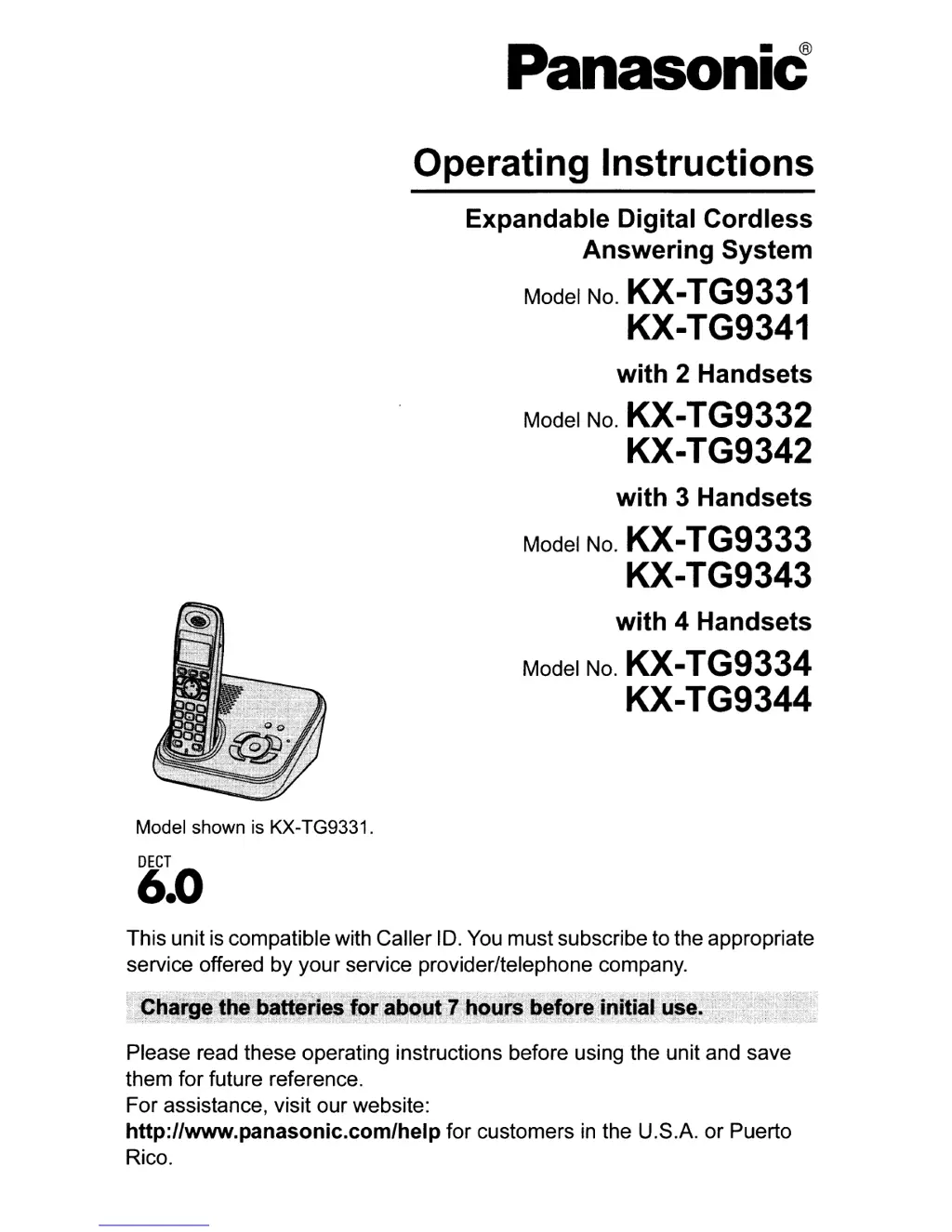
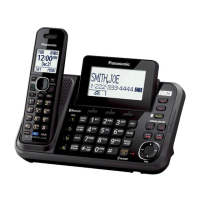
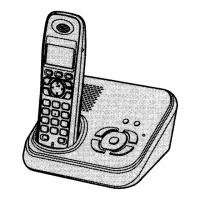
Model shown is KX-TG9331.
DECT
6.0
This unit
is
compatible with Caller
10.
You
must subscribe to the appropriate
service offered by your service provider/telephone company.
Please read these operating instructions before using the unit and save
them for future reference.
For assistance, visit our website:
http://www.panasonic.com/help for customers
in
the U.S.A. or Puerto
Rico.

Other manuals for Panasonic KX-TG9331

Questions and Answers

  • B
    Beth ContrerasSep 23, 2025
    What to do if liquid entered Panasonic KX-TG9331 Answering Machine handset/base unit?
    • E
      Evelyn WadeSep 23, 2025
      If liquid or moisture has entered your Panasonic Answering Machine handset/base unit, disconnect the AC adapter and telephone line cord from the base unit. Remove the batteries from the handset and leave to dry for at least 3 days. After the handset/base unit are completely dry, reconnect the AC adapter and telephone line cord. Insert the batteries and charge fully before use.
  • R
    ryanmorrisAug 23, 2025
    How to fix Panasonic KX-TG9331 if I cannot operate it remotely?
    • J
      Jared TaylorAug 23, 2025
      If you are having trouble operating your Panasonic Answering Machine remotely: * Make sure you are entering the correct remote access code. If you forgot it, store a new one. * Press each key firmly. * Ensure the answering system is turned on. * If you are using a rotary/pulse telephone, try again using a touch-tone phone.
  • C
    christina75Aug 25, 2025
    Why Panasonic KX-TG9331 Answering Machine handset and/or base unit does not ring?
    • A
      Andrea Gaines MDAug 26, 2025
      If your Panasonic Answering Machine handset or base unit is not ringing, check these: * Adjust the ringer volume; it may be turned off. * If night mode is turned on, turn it off.
  • B
    Blake ThompsonAug 26, 2025
    Why I cannot make a call on my Panasonic KX-TG9331 Answering Machine?
    • D
      Daniel MartinAug 27, 2025
      If you cannot make a call on your Panasonic Answering Machine: * The dialing mode may be set incorrectly, change the setting. * The handset may be too far from the base unit, move closer and try again.
  • M
    Mrs. Emily ArmstrongAug 27, 2025
    How to fix a Panasonic KX-TG9331 that does not work?
    • R
      robertharveyAug 27, 2025
      If your Panasonic Answering Machine is not working, here are a few things to check: * Ensure the batteries are correctly installed. * Fully charge the batteries. * Check all connections. * Try resetting the unit by unplugging the AC adapter, then reconnecting it. * Make sure the handset is registered to the base unit.
  • A
    andrelambSep 17, 2025
    Why is the time on my Panasonic Answering Machine shifted?
    • J
      Jim RamirezSep 17, 2025
      If the time on your Panasonic Answering Machine is shifted, it may be due to incorrect time information from incoming Caller ID. Set the time adjustment to off.
  • M
    mblackSep 14, 2025
    Why are caller list/incoming phone numbers not edited automatically on my Panasonic KX-TG9331 Answering Machine?
    • G
      Gregory DaySep 14, 2025
      If the caller list or incoming phone numbers are not being edited automatically on your Panasonic Answering Machine: * Ensure the Caller ID number auto edit feature is turned on. * You may need to call back the edited number to activate Caller ID number auto edit.
  • E
    Edward RossSep 15, 2025
    Why I cannot dial the phone number edited in the caller list on my Panasonic KX-TG9331?
    • C
      Claudia BarnesSep 16, 2025
      If you cannot dial the phone number edited in the caller list on your Panasonic Answering Machine, the phone number you dialed might have been edited incorrectly (for example, the long distance “1” or the area code is missing). Edit the phone number with another pattern.
  • D
    Dr. Catherine Conway DDSSep 6, 2025
    Why is caller information not announced on my Panasonic Answering Machine?
    • Z
      Zachary KellySep 6, 2025
      If caller information is not being announced on your Panasonic Answering Machine: * Check if the handset or base unit’s ringer volume is turned off and adjust it. * Ensure the Talking Caller ID feature is turned on. * The number of rings for the answering system may be set to “2” or “Toll saver”. Select a different setting. * If the base unit and another handset are having an intercom call, your handset will not announce caller information.
  • P
    Philip LunaSep 3, 2025
    What does it mean when the indicator on the Panasonic KX-TG9331 Answering Machine handset flashes slowly?
    • F
      fhopkinsSep 3, 2025
      If the indicator on your Panasonic Answering Machine handset flashes slowly, it could mean: * New messages have been recorded. Listen to the new messages. * New voice mail messages have been recorded. Listen to the new voice mail messages.

Panasonic KX-TG9331 Specifications

General IconGeneral
Number of Handsets1
Caller IDYes
Call Waiting Caller IDYes
SpeakerphoneYes
IntercomYes
Backlit DisplayYes
Expandable up to6
Recording Time18 minutes
Caller ID Memory50
TypeDigital Cordless Phone

Related product manuals