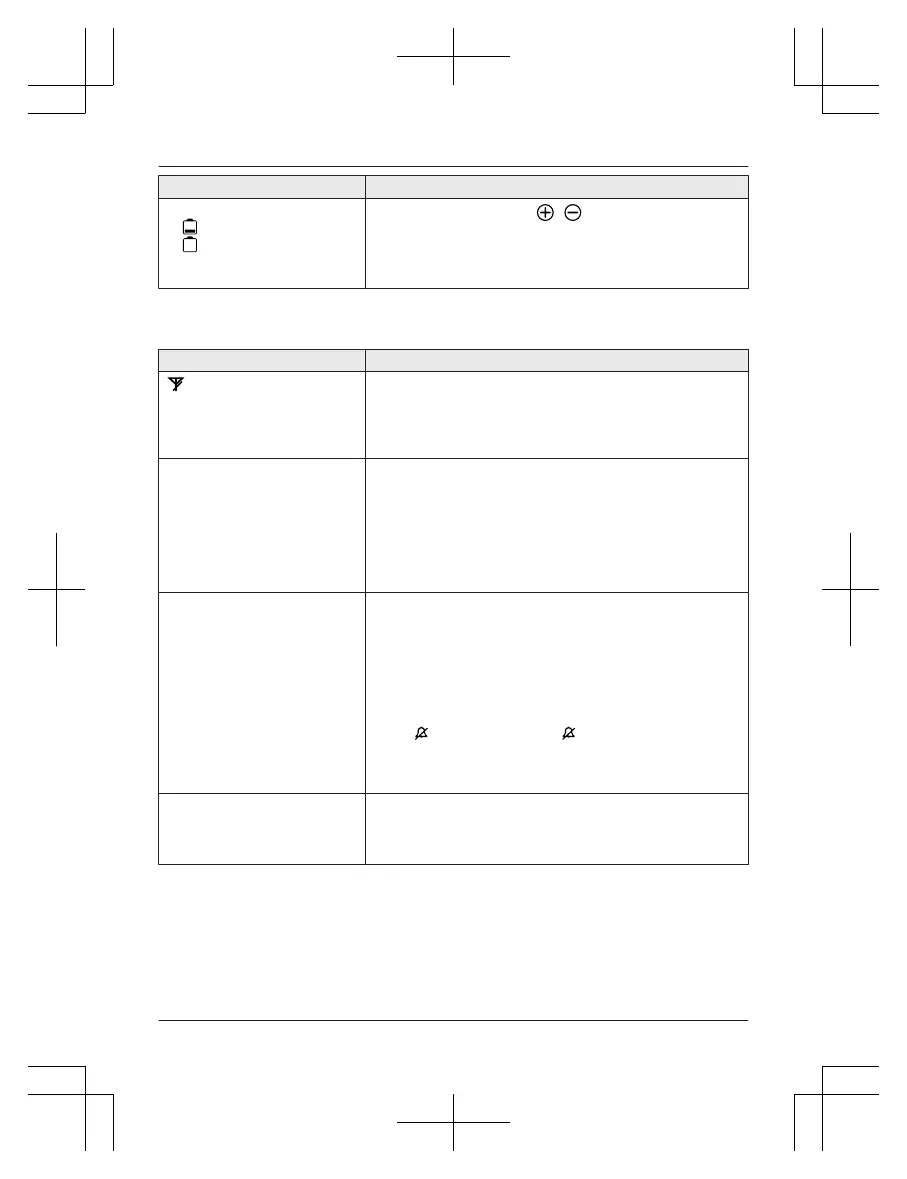
Problem Cause/solution
I fully charged the batteries, but
– still flashes,
–
is displayed, or
–
the operating time seems to
be shorter.
R C
lean the battery ends ( , ) and the charge contacts
with a dry cloth and charge again.
R It is time to replace the batteries (page 15).
Making/answering calls, intercom
Problem Cause/solution
is displayed.
R T
he handset is too far from the base unit. Move closer.
R The base unit’s AC adaptor is not properly connected.
Reconnect AC adaptor to the base unit.
R The handset is not registered to the base unit. Register it
(page 62).
Noise is heard, sound cuts in
a
nd out.
R You are using the handset or base unit in an area with
high electrical interference. Re-position the base unit and
use the handset away from sources of interference.
R Move closer to the base unit.
R If you use a DSL/ADSL service, we recommend
connecting a DSL/ADSL filter between the base unit and
the telephone line jack. Contact your DSL/ADSL provider
for details.
The handset or base unit does
n
ot ring.
R The ringer volume for landline is turned off. Adjust the
ringer volume (page 40, 55).
R The ringer volume for cellular line is turned off. Adjust the
ringer volume (page 40, 53).
R The unit which is not selected to ring for cellular calls
does not ring. To change the selection, see page 35.
R Silent mode is turned on. Turn it off (page 61).
R The ringer volume is turned off by pressing and holding
0 ( ). Press and hold 0
(
) again to turn it on
(
page 40).
R The ringer volume is turned off by pressing MRINGER
OFFN. Press MRINGER OFFN again to turn it on (page 40).
I cannot make local calls with
t
he handset or base unit using
a cellular line.
R You need to add your area code when making cellular
calls. Store your area code in order to automatically add it
to the beginning of the 7-digit phone number when
making cellular calls (page 37).
For assistance, please visit http://shop.panasonic.com/support
85
Useful Information














 To Next Page