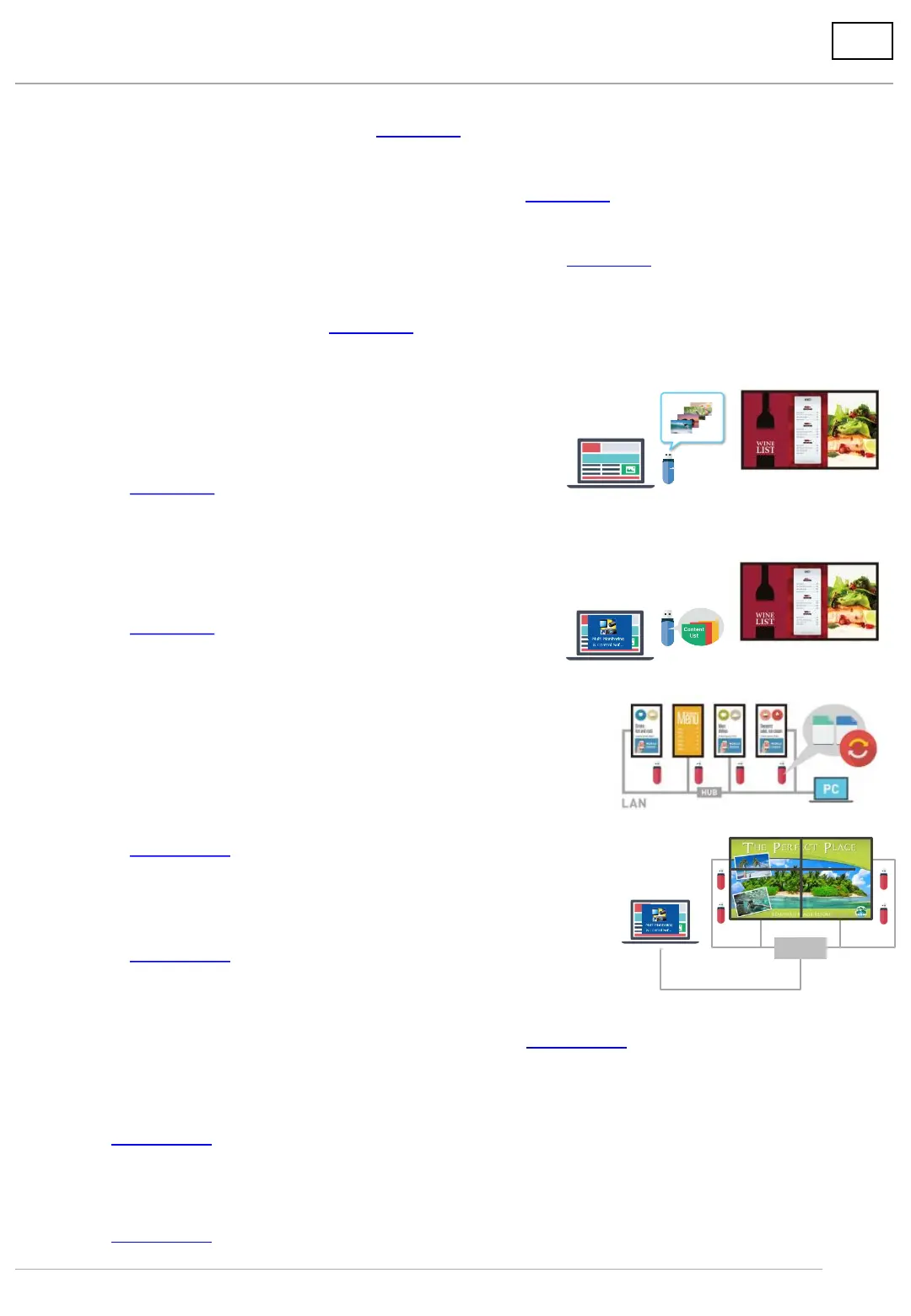
5. Insert USB memory and use
Table of Contents
2
6-1. Deliver content
A) Single-Playback
Plays on a single display
6. Deliver content on USB memory via LAN
B) Multi-Playback
Synchronize a maximum of four displays and play
A) Save content on USB memory and play.
All still images have the same play duration.
HUB
B) Save content + scenario files on the USB memory and play.
You can set play duration and order of
each content as you choose.
6-2. Set date/time of delivery/playback and deliver
For both Single and Multi-Playback – Page 15
7. Convert PowerPoint data to still/moving images
– Page 17
8. Light ID setting (SF1H series only)
– Page 18
1. Compatible Models – Page 3
2. Supported devices and formats – Page 4
3. Limitations on compatible formats – Page 5
4. Set up the display – Page 6
– Page 7
– Page 8
– Page 10
– Page 10




 To Next Page