5. Insert USB memory and use
7
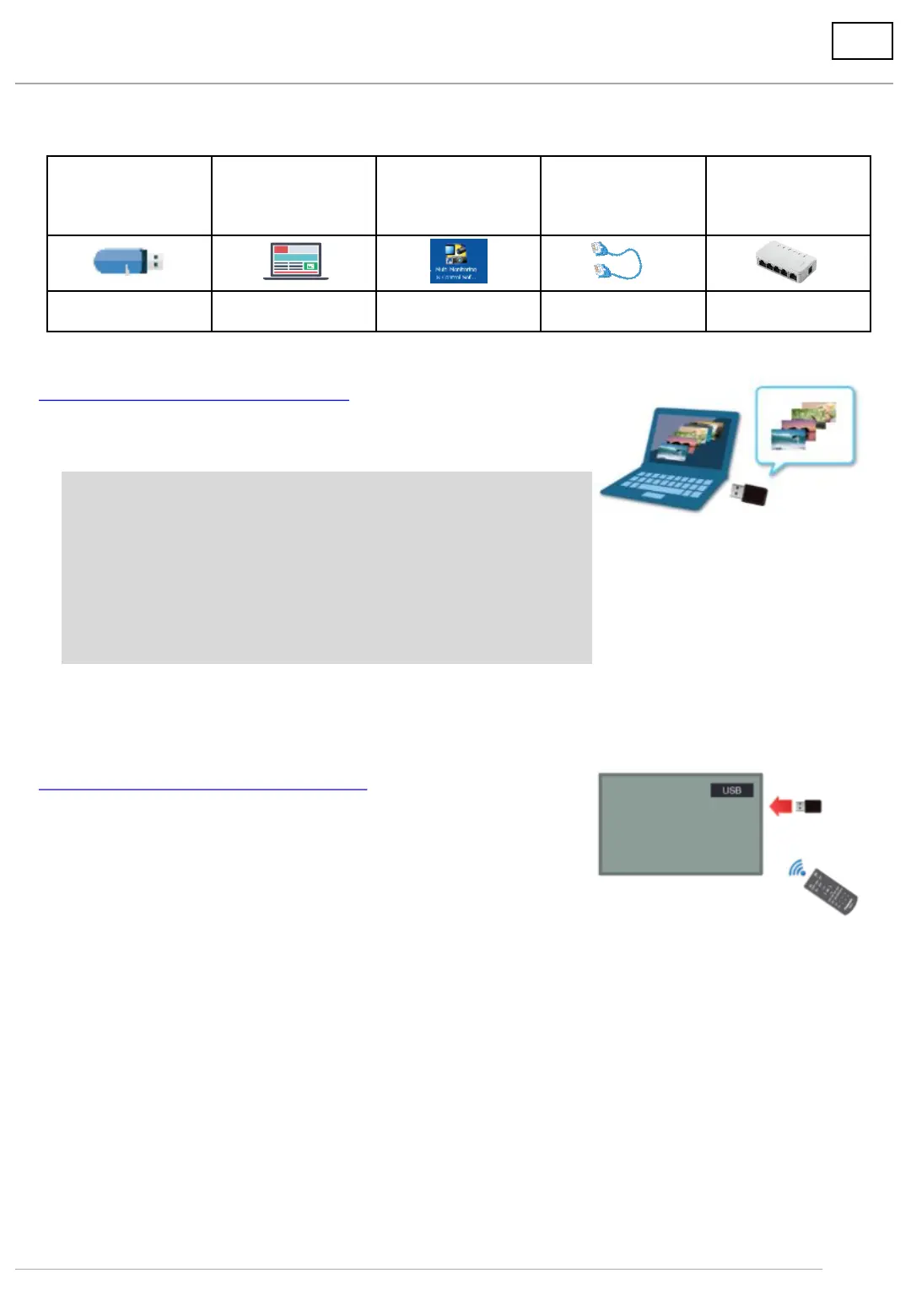
USB memory PC
Multi Monitoring
& Control
Software
LAN cable Divider
Necessary Necessary Unnecessary Unnecessary Unnecessary
<What to prepare>
A) Save content on USB memory and play.
1. Save content on USB memory.
Save prepared content of still or moving images on USB
memory using a computer.
* Files are played in alphanumerical order in the USB memory.
(Smaller number → bigger number → alphabetical order)
* When the portrait setting, please check direction of rotation
for using display before create the content.
* Save the content in the root directory (e.g. E:\) and not in a
folder.
2. Insert USB memory into display.
(1) Insert USB memory with content saved into the USB port
on the display.
(2) Change to [USB] input of the display.
Play the content in alphanumeric (character code) order.




 To Next Page