230
Wi-Fi/Bluetooth
Wi-Fi/Bluetooth Function
■
Before Use
• Complete the date and time settings in advance. (→29)
• To use the Wi-Fi function on this unit, a wireless access point or a destination device
equipped with the wireless LAN function is required.
■
Lighting of the WIRELESS connection lamp (Blue)
Lit: When the Wi-Fi/Bluetooth function is ON or
connected
Blinking: When sending picture data
• In [Wireless Connection Lamp] in the [Setup] menu,
you can set the lamp so that it will not light/flash.
(→202)
■
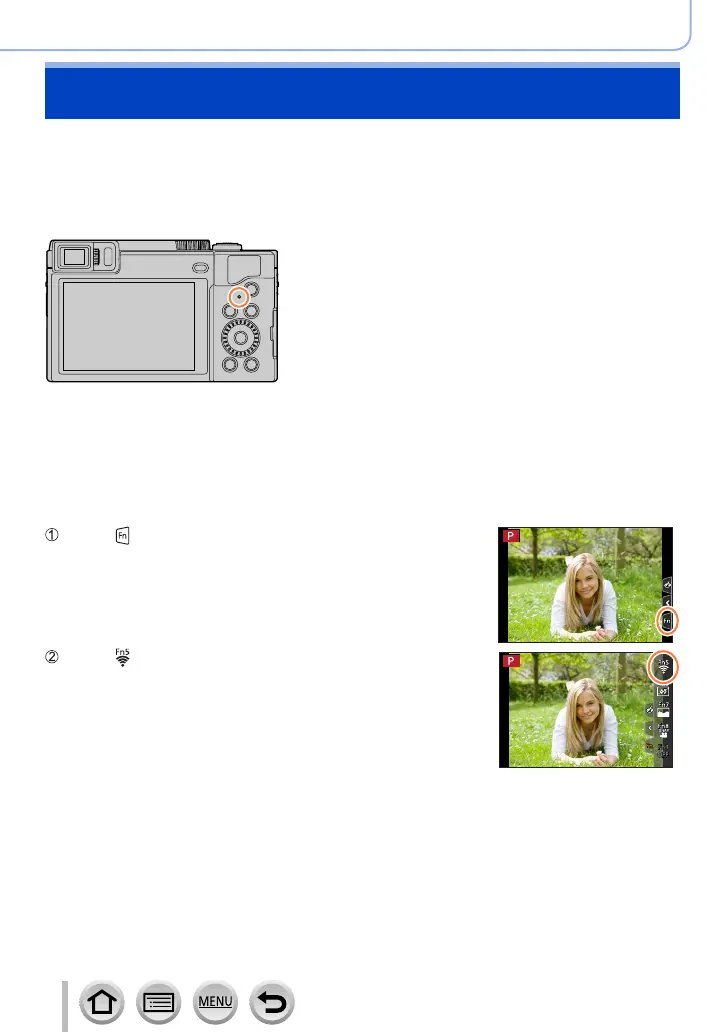
[Wi-Fi] button
In this Operating Instructions, a function button to which [Wi-Fi] is assigned is referred
to as the [Wi-Fi] button. (At the time of purchase, [Wi-Fi] is assigned to [Fn5] button in
recording mode, and [Fn1] in playback mode.)
• For details on the function button, refer to (→48).
To start up the Wi-Fi function (When in recording mode):
Touch [ ]
Touch [ ]



 To Next Page
 Loading...