15
9
4
6
8
2
1
7
10
5
3
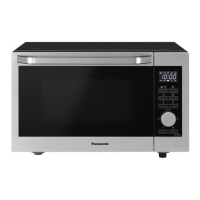
• Your control panel may have
differences in appearance, but the
words and functionality will be the
same.
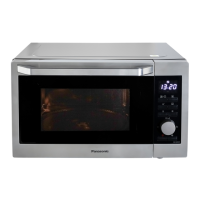
1 Display window (page 16)
When the oven is rst plugged in,
“88.88” appears in display window.
2 Convection/Grill button
3 Microwave button
4 Combination button
5 Auto Programme button
6 Timer / Clock button
7 Quick 30 button
8 Dial
The dial has the following functions:
Selecting values
Select the setting value of each
manual cooking mode and each
AUTO PROGRAMME.
Cooking time
After selecting a manual cooking
mode, enter time by turning the
dial. Use the dial for the ADD TIME
feature (page 32).
Auto Programmes
After pressing Auto Programme,
turn the dial to select AUTO
PROGRAMMES.
Conrmation
Press the dial to conrm the setting.
CONFIRM indicator
ashes
when the setting needs to be
conrmed.
9 Stop / Reset button
Before Cooking:
One press clears your instructions.
During Cooking:
One press temporarily stops the
cooking programme. Another press
cancels all your instructions and the
time of day will appear in the
display.
10 Start button
One press allows oven to begin
functioning. If door is opened or
Stop/Reset is pressed once during
oven operation, Start must be
pressed again to restart oven.
Control panel
Continued on the next page
NN-C69KSM_EPG.indb 15 2019/07/29 18:14:46


 To Next Page
 Loading...