EasyManua.ls Logo

Panasonic NV-HD100EA - Page 21

Panasonic NV-HD100EA
35 pages
Print Icon
To Next Page IconTo Next Page
To Previous Page IconTo Previous Page
Loading...
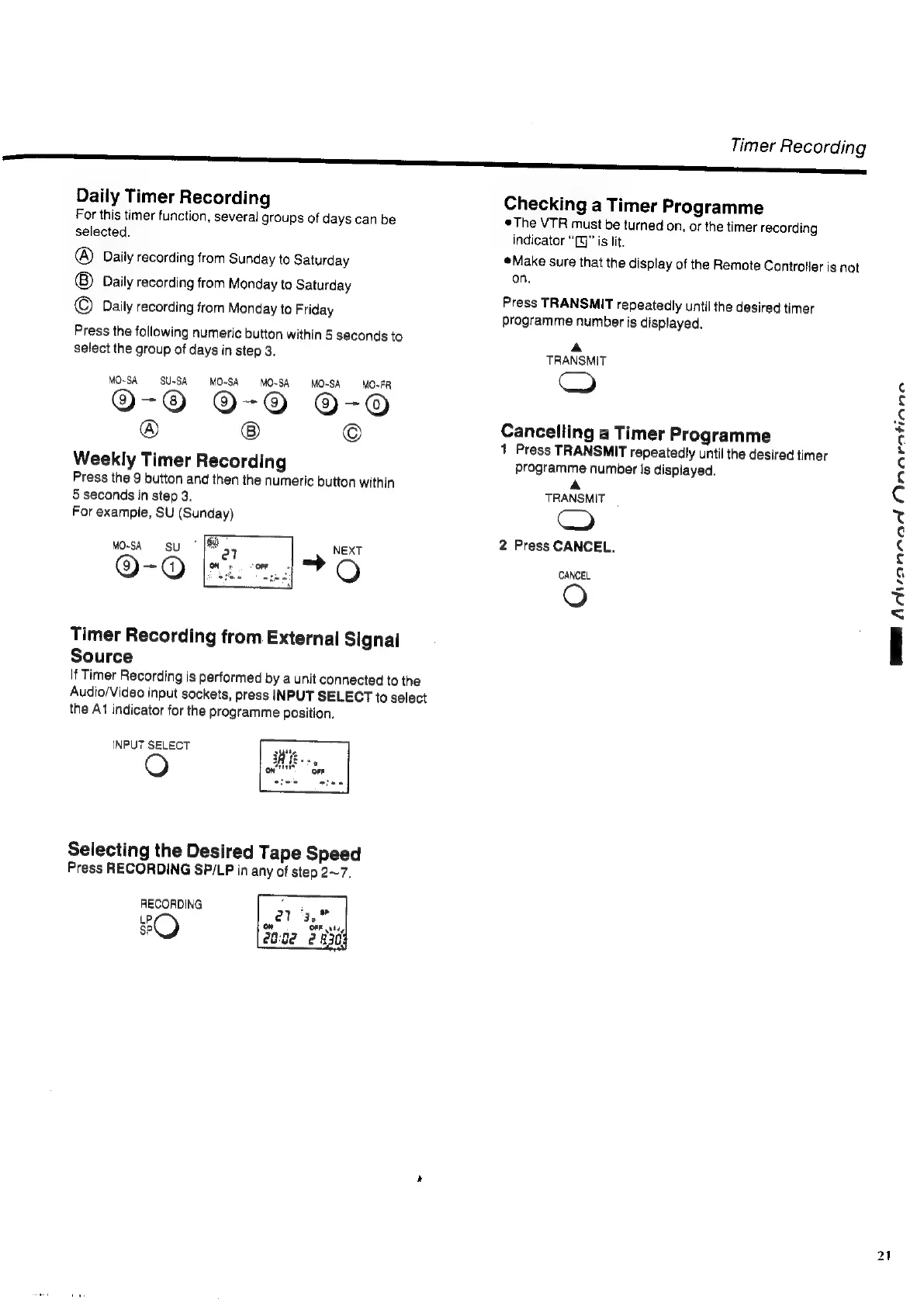
Daily
Timer
Recording
For
this
timer
function,
several
groups
of
days
can
be
selected.
@®)
Daily
recording
from
Sunday
to
Saturday
Daily
recording
from
Monday
to
Saturday
©
Daily
recording
from
Monday
to
Friday
Press
the
following
numeric
button
within
5
seconds
to
select
the
group
of
days
in
step
3.
MQ-SA
SU-SA
MO-SA
MOQ-SA
MO-SA MO-FR
O-O
O-O
O-O
®
©
Weekly
Timer
Recording
Press
the
9
button
and
then
the
numeric
button
within
5
seconds
in
step
3.
For
example,
SU
(Sunday)
Timer
Recording
from
External
Signal
Source
If
Timer
Recording
is
performed
by
a
unit
connected
to
the
Audio/Video
input
sockets,
press
INPUT
SELECT
to
select
the
A1
indicator
for
the
programme
position.
INPUT
SELECT
Selecting
the
Desired
Tape
Speed
Press
RECORDING
SP/LP
in
any
of
step
2~7.
RECORDING
5p
on
OFF
sty]
20:02
2
830
Timer
Recording
VO
Checking
a
Timer
Programme
©The
VTR
must
be
turned
on,
or
the
timer
recording
indicator
“(]”
is
lit,
Make
sure
that
the
display
of
the
Remote
Controller
is
not
on.
Press
TRANSMIT
repeatedly
until
the
desired
timer
Programme
number
is
displayed.
Aa
TRANSMIT
CO
Cancelling
a
Timer
Programme
1
Press
TRANSMIT
repeatedly
until
the
desired
timer
programme
number
is
displayed.
A
TRANSMIT
CO
2
Press
CANCEL.
CANCEL
O
GR
AAannoN
Onaratiannae
21

Related product manuals