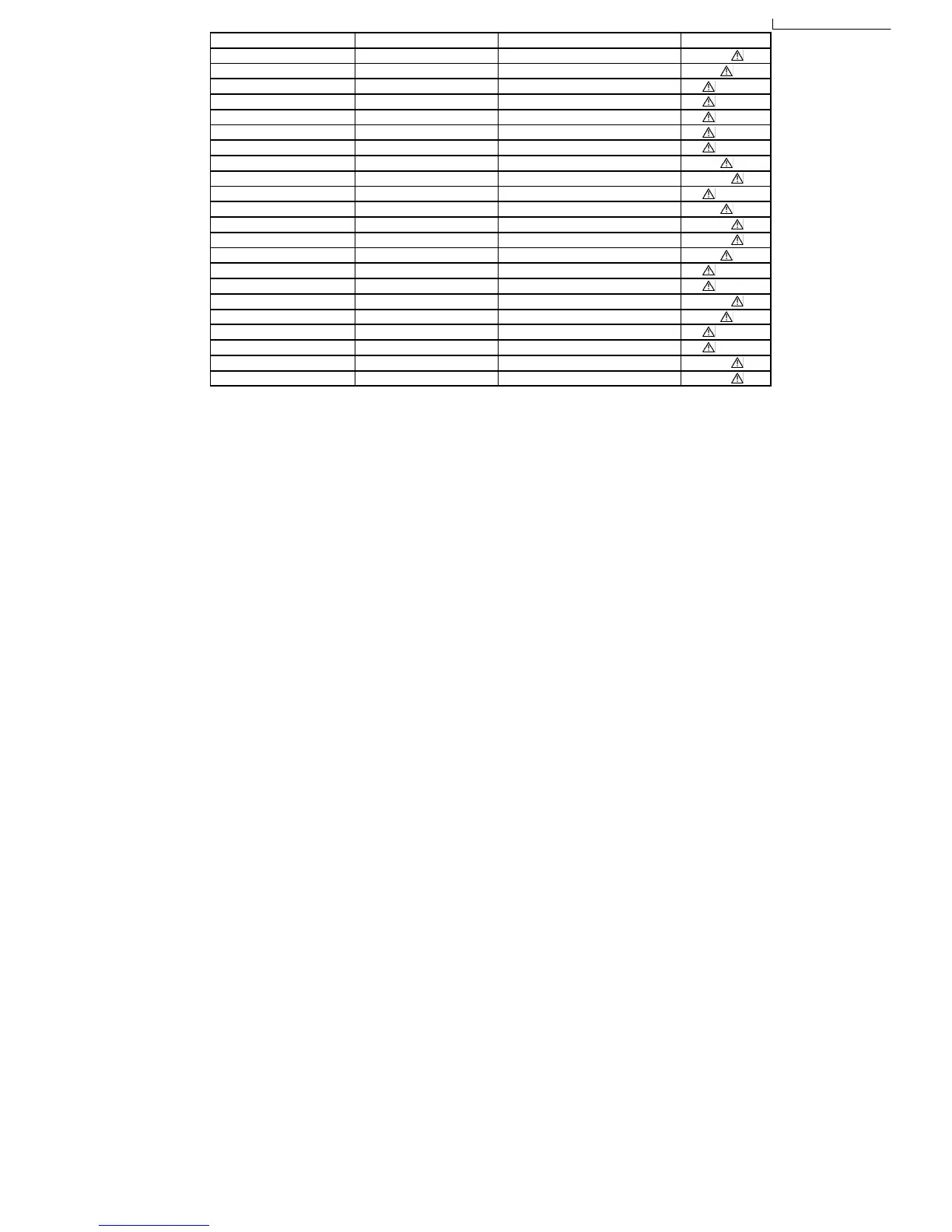
Reference No. Part No. Part name & Description Remarks
T5701 ETS48AB116AC SWITCHING TRANSFORMER [M] GCP
T5701 ETS48AB12GAC SWITCHING TRANSFORMER [M] PL
T5751 ETS19AB256AG BACKUP SW TRANFORMER [M]
PC5701 B3PBA0000402 PHOTO COUPLER [M]
PC5702 B3PBA0000402 PHOTO COUPLER [M]
PC5720 B3PBA0000402 PHOTO COUPLER [M]
PC5799 B3PBA0000402 PHOTO COUPLER [M]
F1 K5D802APA008 FUSE [M] PL
F1 K5D802BNA005 FUSE [M] GCP
FP2901 K5G4013A0001 FUSE PROTECTOR [M]
TH5701 D4CAA5R10001 THERMISTOR [M] PL
TH5702 D4CAC8R00002 THERMISTOR [M] GCP
P5701 K2AA2B000017 AC INLET [M] GCP
P5701 K2AB2B000010 AC INLET [M] PL
C5700 F1BAF1020020 1000pF [M]
C5701 F0CAF334A087 0.33uF [M]
C5703 F0C2H1040001 0.1uF 500V [M] GCP
C5703 F0CAF224A085 0.22uF [M] PL
C5704 F1BAF1020020 1000pF [M]
C5705 F1BAF1020020 1000pF [M]
C5706 F1BAF1020020 1000pF [M] GCP
C5707 F1BAF1020020 1000pF [M] GCP
2 Prevention of Electro Static Discharge (ESD) to
Electrostatically Sensitive (ES) Devices
Some semiconductor (solid state) devices can be damaged easily by electricity. Such components commonly are called
Electrostatically Sensitive (ES) Devices. Examples of typical ES devices are integrated circuits and some field-effect transistors and
semiconductor “chip” components. The following techniques should be used to help reduce the incidence of component damage
caused by electro static discharge (ESD).
1. Immediately before handling any semiconductor component or semiconductor-equiped assembly, drain off any ESD on your
body by touching a known earth ground. Alternatively, obtain and wear a commercially available discharging ESD wrist strap,
which should be removed for potential shock reasons prior to applying power to the unit under test.
2. After removing an electrical assembly equiped with ES devices, place the assembly on a conductive surface such as aluminium
foil, to prevent electrostatic charge build up or exposure of the assembly.
3. Use only a grounded-tip soldering iron to solder or unsolder ES devices.
4. Use only an anti-static solder remover device. Some solder removal devices not classified as “anti-static (ESD protected)” can
generate electrical charge to damage ES devices.
5. Do not use freon-propelled chemicals. These can generate electrical charges sufficient to damage ES devices.
6. Do not remove a replacement ES device from its protective package until immediately before you are ready to install it. (Most
replacement ES devices are packaged with leads electrically shorted together by conductive foam, aluminium foil or
comparable conductive material).
7. Immediately before removing the protective material from the leads of a replacement ES device, touch the protective material
to the chassis or circuit assembly into which the device will be installed.
Caution
Be sure no power is applied to the chassis or circuit, and observe all other safety precautions.
8. Minimize body motions when handling unpackaged replacement ES devices. (Otherwise harmless motion such as the brushing
together of your clothes fabric or the lifting of your foot from a carpeted floor can generate static electricity (ESD) sufficient to
damage an ES device).
5




 To Next Page