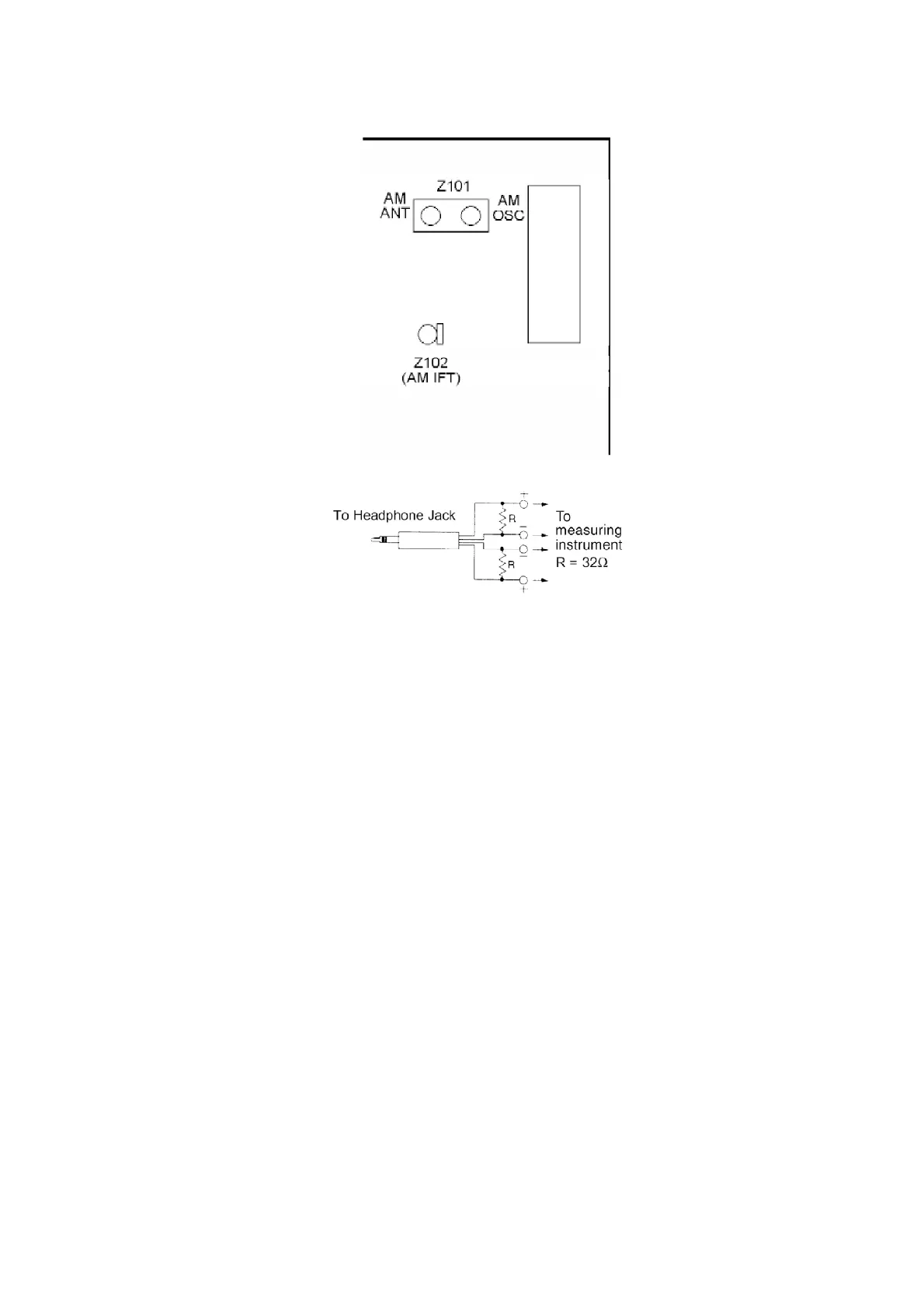
Fig. 10
9.4. Laser Power Adjustment
djust each laser power : read power for reading (play) and write power for writing (record).
9.4.1. Necessary Instruments
- Laser power meter (Advantest TQ8210 or compatible meter)
- Test disc (Pre-mastered disc RFKV0006 or RFKV0014)
- Recordable disc available on sales root (with music recorded)
- Insulated driver for adjustment such as a ceramic driver
- Jitter meter
9.4.2. Set the Unit to the Adjustment Mode
1. Perform the item “8.1.6. Checking for the MD Servo P.C.B.” in
“Operation Check and Main Component Replacement
Procedures”, Step 1 to Step 4.
2. Turn the power on.
3. Press CD play button with no CD, cassette or MD loaded.
4. While pressing STOP button on the unit, press 4 and 7 on the
remote control. The unit enters doctor mode for adjustment.
Cautions
36











 To Next Page