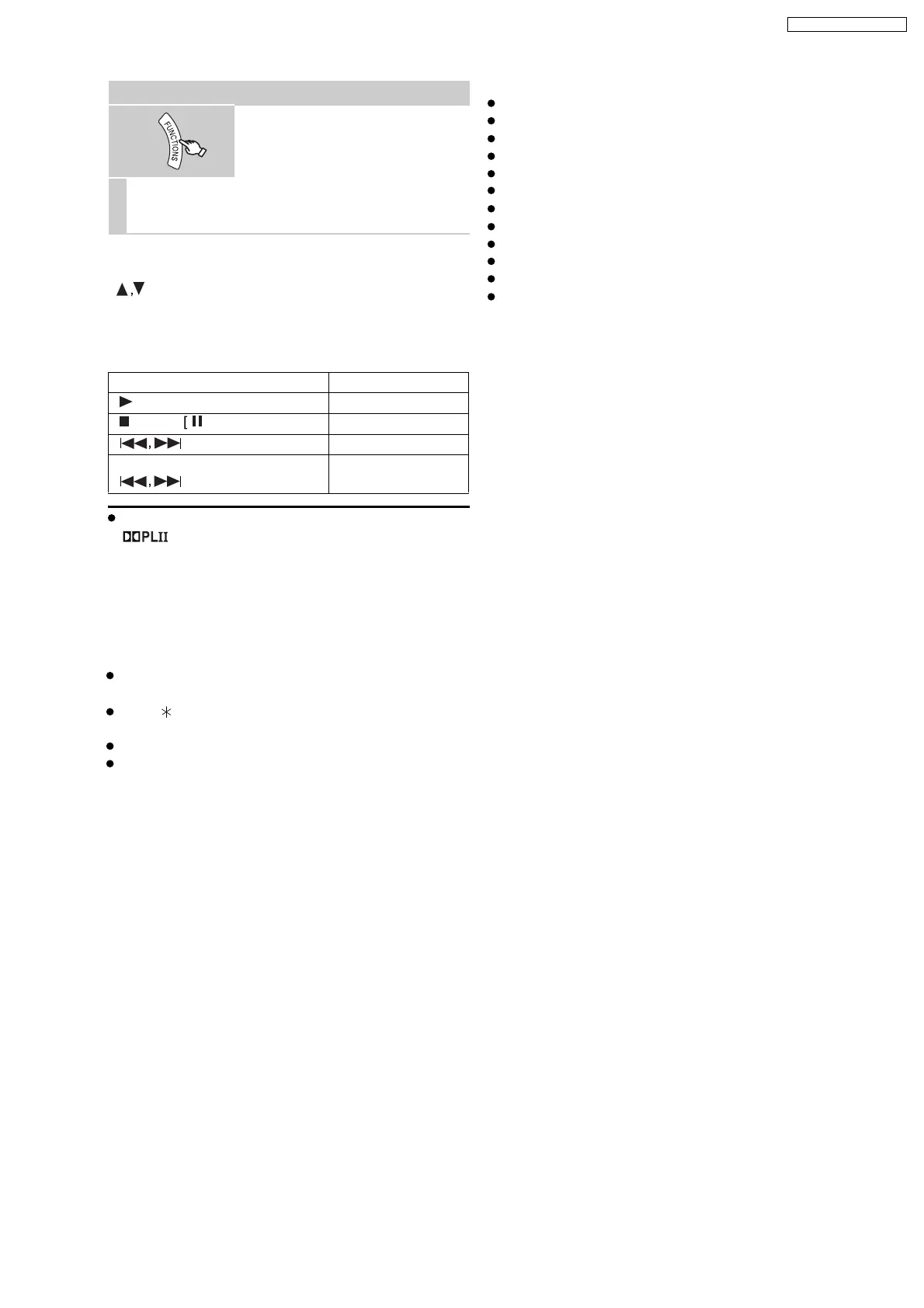
You can also use the remote control to operate iPod
menu.
[
]: To navigate menu items
[OK]: To go to the next menu
[RETURN]: To return to the previous menu
You can enjoy surround sound effect when you press
[ ] to turn on Dolby Pro Logic II
When using the START menu in "IPOD" mode
Select "Music" or "Photos/Videos".
Music: Shows the music menu.
Photos/Videos: Switches to display of iPod.
About recharging the battery
iPod will start recharging regardless of whether this unit
is on or off.
"IPOD " will be shown on this unit’s display during
iPod charging in this unit standby mode.
Check iPod to see if the battery is fully recharged.
If you are not using iPod for an extended period of time
after recharging has completed, disconnect it from this
unit, as the battery will be depleted naturally. (Once fully
recharged, additional recharging will not occur.)
Compatible iPod
iPod touch (8GB, 16GB)
iPod nano 3rd generation (video) (4GB, 8GB)
iPod classic (80GB, 160GB)
iPod nano 2nd generation (aluminum) (2GB, 4GB, 8GB)
iPod 5th generation (video) (60GB, 80GB)
iPod 5th generation (video) (30GB)
iPod nano 1st generation (1GB, 2GB, 4GB)
iPod 4th generation (color display) (40GB, 60GB)
iPod 4th generation (color display) (20GB, 30GB)
iPod 4th generation (40GB)
iPod 4th generation (20GB)
iPod mini (4GB, 6GB)
Compatibility depends on the software version of your
iPod.
Enjoying photos/videos
1
Switch the iPod to its own display
mode.
Proceed operations through display
of iPod.
2
Play a slideshow or video on your iPod.
The picture will be displayed on your TV.
Basic controls (For music and videos only)
Button Function
[ PLAY] Play
[STOP],
PAUSE] Pause
[
] Skip
(press and hold)
[
]
Search
19
SA-PT660P / SA-PT660PC













 To Next Page