EasyManua.ls Logo

Panasonic SC-CH11 - Page 39

Panasonic SC-CH11
51 pages
Print Icon
To Next Page IconTo Next Page
To Previous Page IconTo Previous Page
Loading...
a
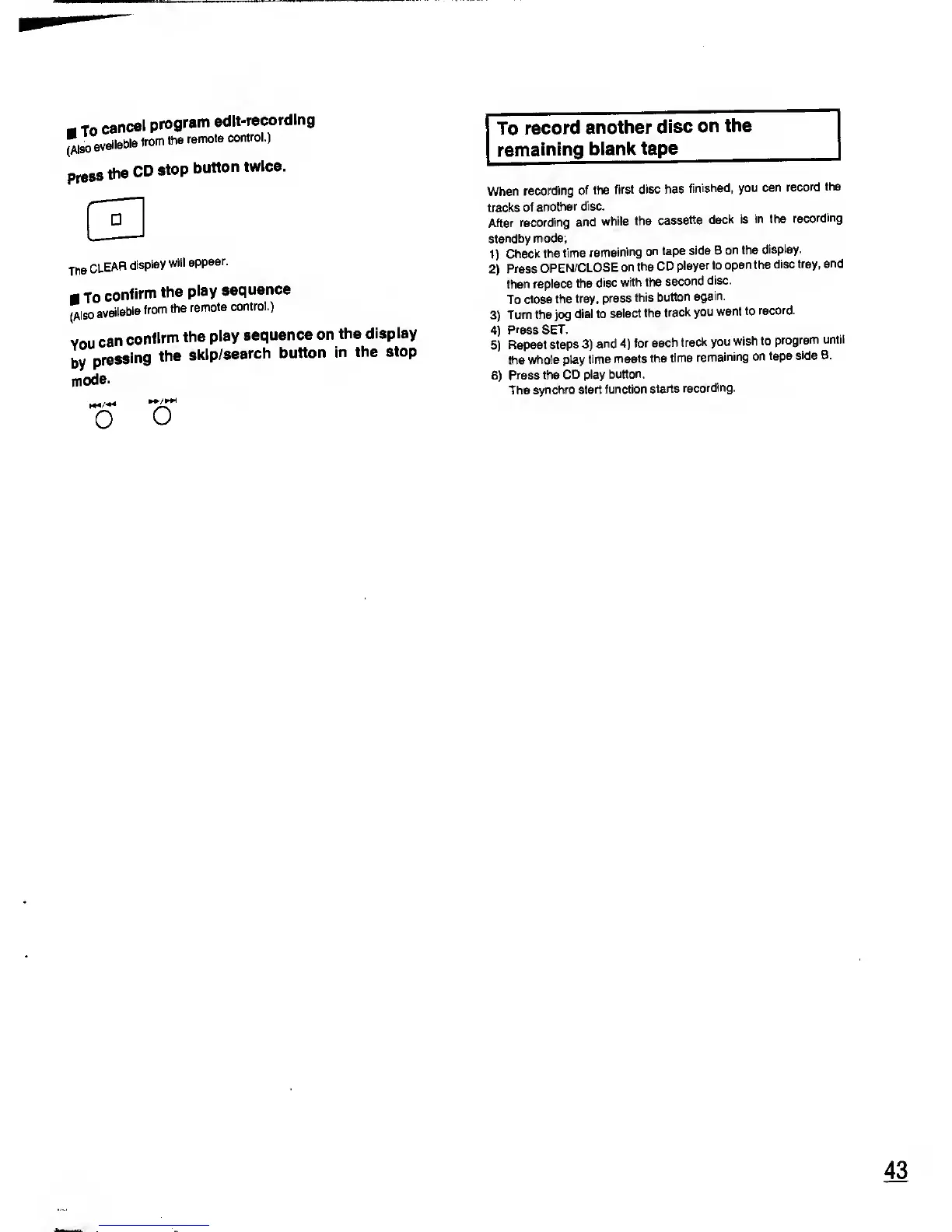
To
cancel
program
edit-recording
"so
available
from
the
remote
control.)
press
the
CD
stop
button
twice.
C3
The
CLEAR
display
will
appear.
m
to
confirm
the
play
sequence
(Also
available
from
the
remote
control.)
you
can
confirm
the
play
sequence
on the
display
by
pressing
the
skip/search
button
in the
stop
mode.
o
o
To
record
another
disc
on
the
remaining
blank tape
When
recording
of
the
first disc
has
finished, you
can
record
the
tracks
of
another
disc.
After
recording
and
while
the
cassette
deck is
in the
recording
standby
mode;
1)
Check
the
time
remaining
on tape
side B
on the
display.
2)
Press
OPEN/CLOSE
on
the CD
player to
open the
disc
tray,
and
then replace
the
disc
with
the
second
disc.
To
close
the tray,
press
this
button
again.
3)
Turn the jog
dial
to
select
the
track
you
want
to
record.
4)
Press SET.
5)
Repeat
steps
3)
and
4)
for
each
track you
wish to
program
until
the
whole play
time
meets the
time
remaining
on
tape
side B.
6)
Press the
CD play
button.
The
synchro
start function
starts
recording.
43