16
VQT4L45
You can enjoy the sound from the speakers using
the tone you like.
Press the PRESET EQ button repeatedly to se-
lect desired sound mode.
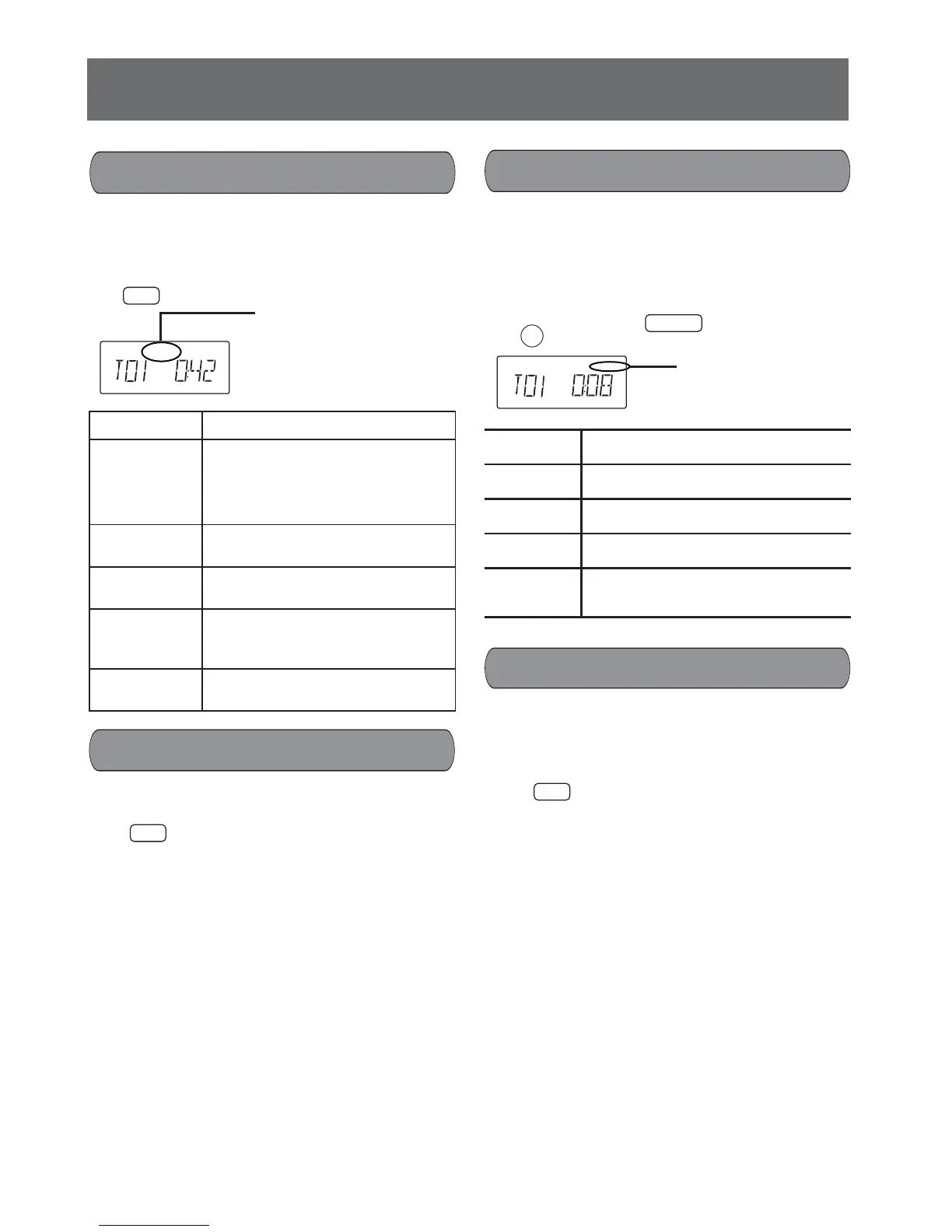
During playback press the PLAY MODE button
repeatedly to select the desired playback mode.
REPEAT 1 Repeat one track (chapter)
GROUP
REPEAT
Repeat all tracks in current folder
(Title).
* For program playback it can not
be selected
REPEAT
Repeat all tracks (or all programmed
tracks)
Indicator
disappear
Normal playback
RAND.
Random playback
* For DivX playback and program
playback it cannot be selected.
Indicator
disappear
Random play off (Normal play)
ROCK Adds punch to rock.
CLASSIC Clarifi es higher frequencies.
JAZZ For background music.
POP Adds gloss to vocal.
Indicator
disappear
No using sound mode.
Repeat/Random play
Sound mode
Remote control
D.Bass effect
Remote control
Press the D.BASS button to turn on the effect.
Press again to cancel the effect.
Remote control
MODE
PLAY
PRESET EQ
PRESET EQ
Main unit
A-B repeat playback
Press the button during playback at the beginning
of the section you want to repeat (Point A).
Press the button again at the end of the section
(Point B).
The section between points A and B is played
back repeatedly.
To return to normal playback, press the button
again.
Note:
Repeat playback or A-B repeat playback mode
may not work correctly with some discs.
Remote control
REPEAT
A-B
The selected playback
mode appears.
REPEAT 1
D.BASS
pop
USB
The selected sound
mode appears.
Discs/USB operation (continued)
The sound from the speakers can output D.BASS
effect.










 To Next Page