26
VQT4L45
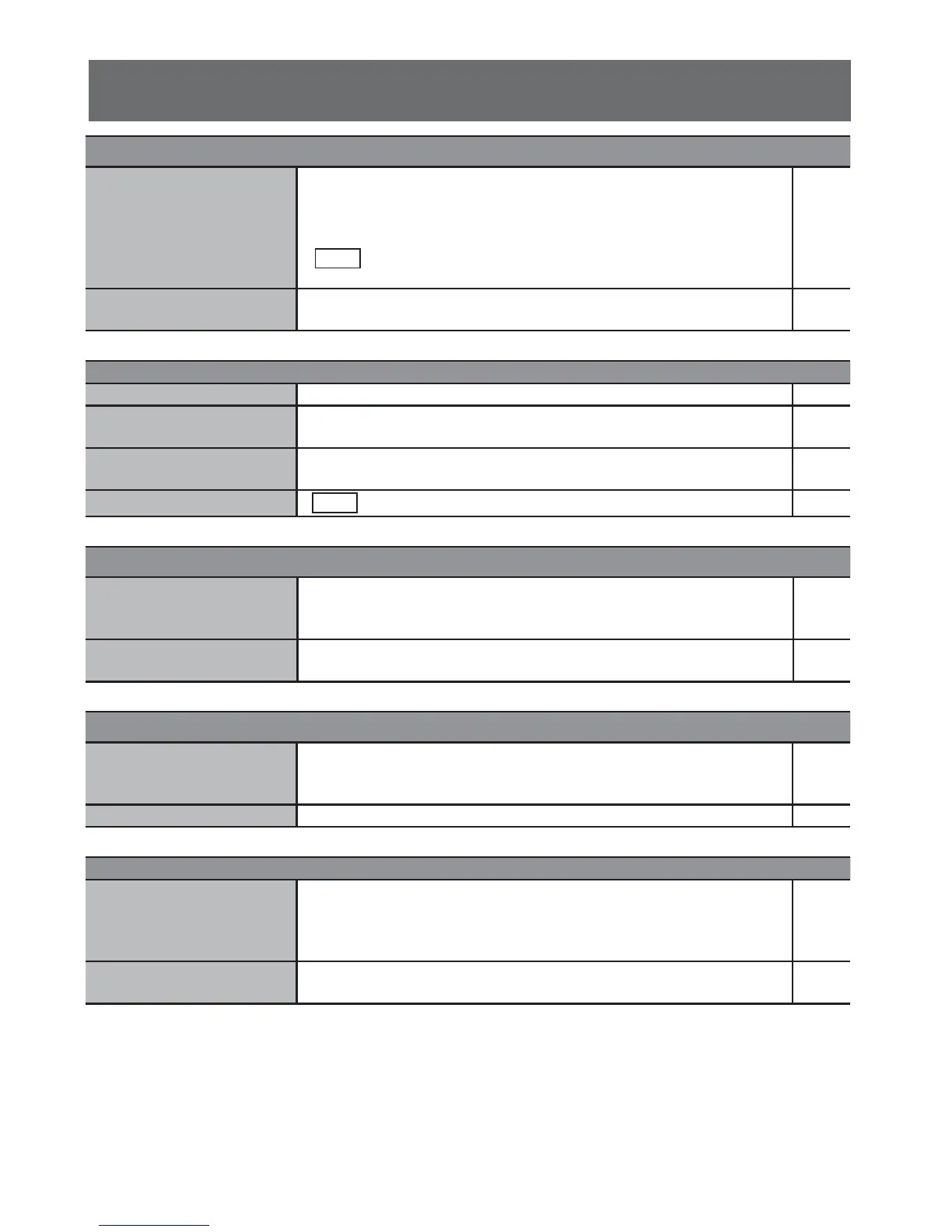
Sound Page
No sound. • Examine the connections.
• Increase the volume.
•
There is possibly a pause in the sound when you change the play
speed.
• Audio is possibly not output because of how the contents
are made.
8
12
13
-
Humming heard during
playback.
• An AC mains lead or a fl uorescent light is near the cables. Keep
other appliances and cords away from the cables of this system.
8
Picture Page
Picture is distorted. • It is common to experience some distortion during “SEARCH”. -
No picture.
• Examine the connection.
• Make sure that the video input mode of the TV is correct.
9
9
A defective TV display or
faded colours.
• The system and TV are using different video systems.
- Use the multi-system
9, 10
Picture stops. • Picture may stop if the DivX contents are too big. -
Progressive video Page
There is a ghosting effect
when the progressive output
is on.
• Set “VIDEO” in “SYSTEM” menu to “INTERLACE-YUV”.
10
Picture not in progressive
output.
• Set “VIDEO” in “SYSTEM” menu to “P-SCAN YPBPR”. 10
Radio Page
Distorted sound or noise is
heard.“STEREO” fl ickers or
does not show.
• Unwind the FM antenna wire and extend it as straight as possible,
then adjust its position.
19
A beat sound is heard. • Switch off the TV or move it away from the system. -
USB Page
The USB mass storage
device or the contents in it
cannot be read.
• The format of the USB mass storage device or the contents in it
is/are not compatible with the system.
• USB mass storage devices with storage capacity of more than 32
GB cannot work in some conditions.
23
-
Slow operation of the USB
mass storage device.
• Large content size or large memory USB mass storage device
takes longer time to read and show on the TV.
-
DivX
DivX










 To Next Page