11
English
Connections
●
Externalequipmentandcablesshownarenot
suppliedwiththisTV.
●
Pleaseensurethattheunitisdisconnectedfromthe
mainssocketbeforeattachingordisconnectingany
cables.
●
Checktheterminaltypeandcableplugsarecorrect
forconnection.
●
UseafullywiredHDMIcompliantcable.
●
KeeptheTVawayfromelectronicequipment(video
equipment,etc.)orequipmentwithaninfraredsensor,
otherwisedistortionofimage/soundmayoccuror
operationofotherequipmentmaybeaffected.
●
Pleasealsoreadthemanualoftheequipmentbeing
connected.
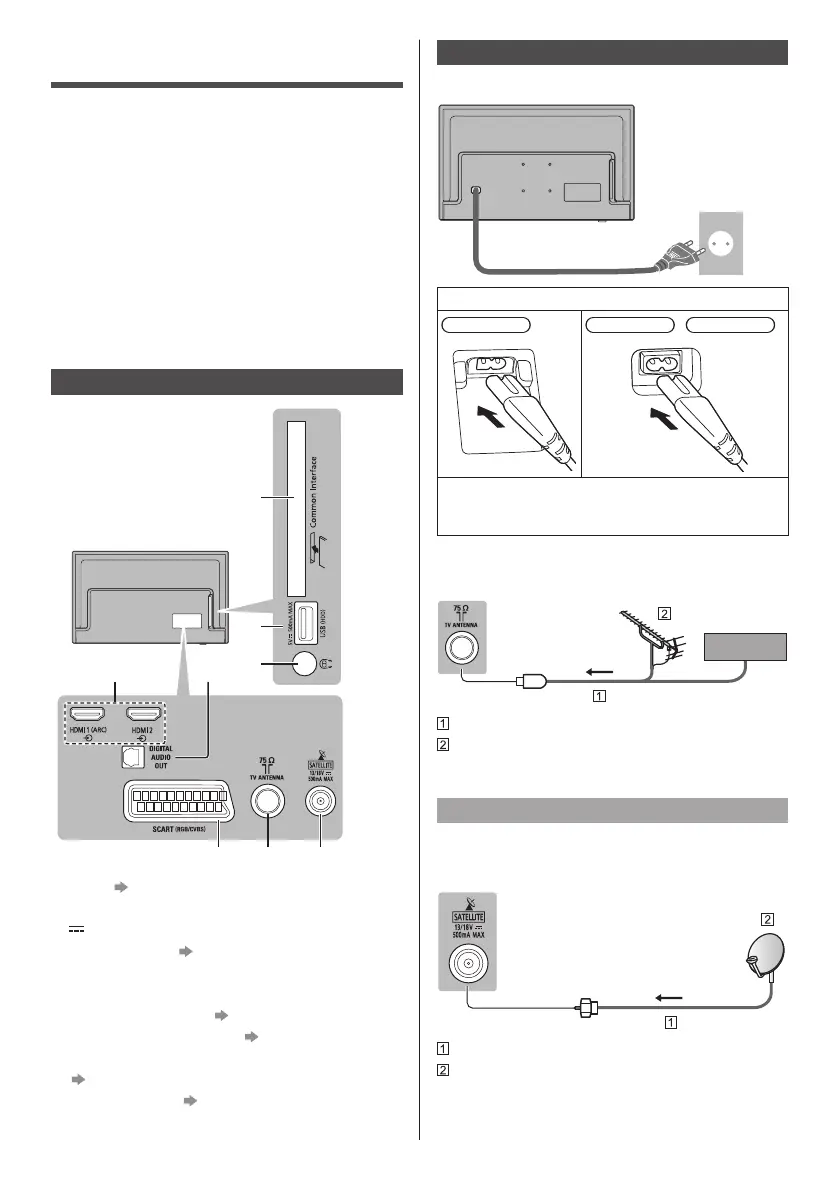
Terminals
1
2
3
54
6 7 8
1 CI slot (p. 13)
2 USB port
This symbol indicates DC operation
3 Headphone jack (p. 12)
4 HDMI1 - 2
5 DIGITAL AUDIO OUT
6 SACRT (RGB / CVBS) (p. 12)
7 Terrestrial / cable terminal (p. 11)
●
Towatchcontentin4Kformat,useHDMIterminal.
(p. 16)
8 Satellite terminal (p. 11)
Basic connections
■ Mains lead
AC220-240V
50/60HZ
Mainslead
(supplied)
Insert the mains plug firmly into place.
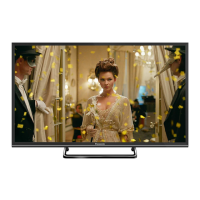
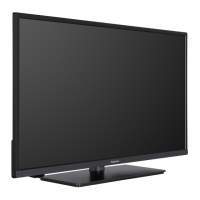
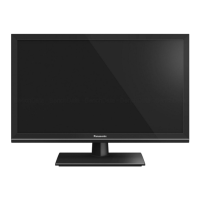
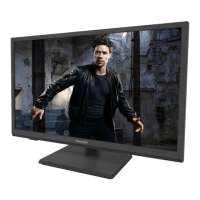
24-inchmodel 32-inchmodel 43-inchmodel
●
Whendisconnectingthemainslead,beabsolutely
suretodisconnectthemainsplugfromthemains
socketfirst.
■ Aerial
TV
Cable
RFcable
Terrestrialaerial
●
ForDVB-C,DVB-T,Analogue
Satellite dish
■ DVB-S
TV
Satellitecable
Satellitedish
●
Toensureyoursatellitedishiscorrectlyinstalled,
pleaseconsultyourlocaldealer.Alsoconsultthe
receivedsatellitebroadcastingcompaniesfordetails.



 To Next Page