32
It is not possible to change the programme p osition when in News flash, Update or Sub Coded Page
Access operation.
When Teletext information exceeds more than one page, it may
take some time for the automatic changing of t he sub pages to
reach the sub page you require.
It is possible to enter your required sub page and continue
watching the normal programme until the correct sub page is
found.
Select the required page number using buttons 0 -- 9.
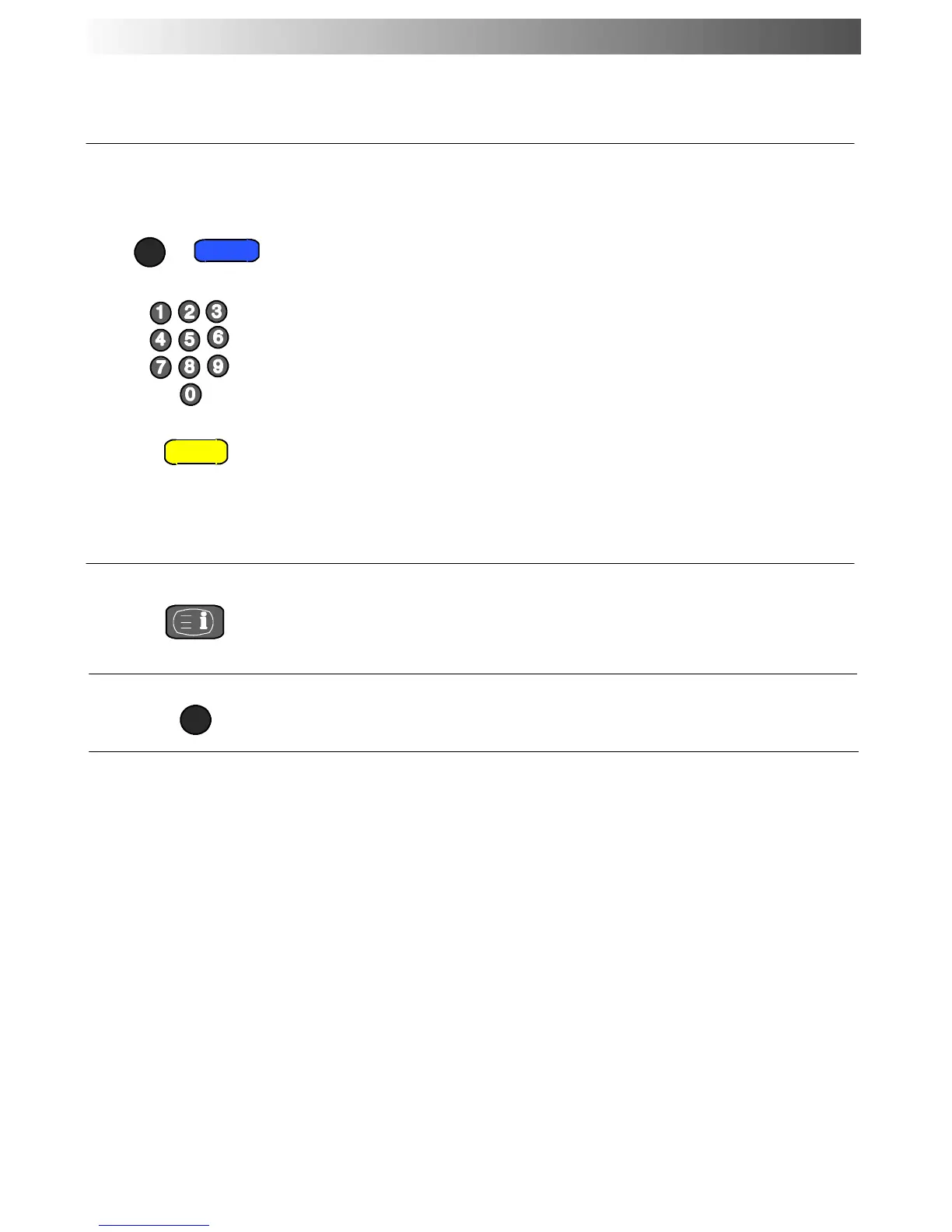
Press the MENU button followed by the Blue button; T**** will
bedisplayedatthetoprightofthescreen.
Enter desired sub page number before the T**** disappears.
To select page 6 enter 0, 0, 0 and 6.
Press the Yell ow button to view a normal TV programme.
(Press MENU, Yellow in LIST mode).
Whenthepageisavailable,presstheYe ll ow button to view the
page.
To clear the page perform one of the following :
D Press MENU
D Select a new page number.
D Press TV/TEXT to return to normal TV operation.
Sub Coded Page Access
Press INDEX to return to the main index page.
Depending on the way information is transmitted, this may have
to be pressed more than once to return to the main index page.
Index
MENU
INDEX
N
Normalisation
Press button N to return to the T V mode.
TELETEXT OPERATION











 To Next Page