19
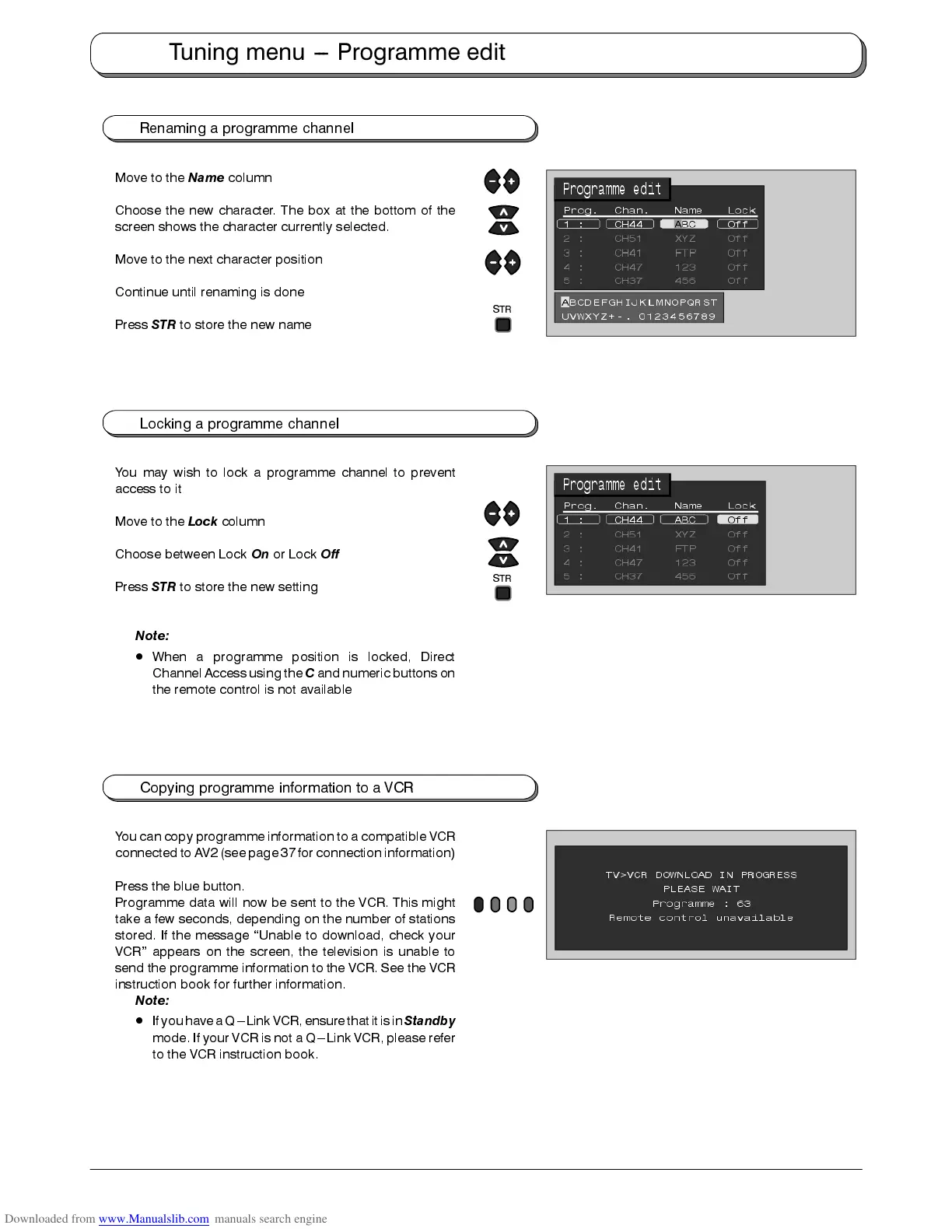
Renaming a programme channel
Move to the
Name
column
Choose the new character. The box at the bottom of the
screen shows the character currently selected.
Move to the next character position
Continue until renaming is done
Press
STR
to store the new name
Locking a programme channel
You may wish to lock a programme channel to prevent
access to it
Move to the
Lock
column
Choose between Lock
On
or Lock
Off
Press
STR
to store the new setting
Note:
D
When a programme position is locked, Direct
Channel Access using the
C
and numeric buttons on
the remote control is not available
Copying programme information to a VCR
You can copy programme information to a compatible VCR
connected to AV2 (see page 37for connection information)
Press the blue button.
Programme data will now be sent to the VCR. This might
take a few seconds, depending on the number of stations
stored. If the message “Unable to download, check your
VCR” appears on the screen, the television is unable to
send the programme information to the VCR. See the VCR
instruction book for further information.
Note:
D
Ifyou havea Q---Link VCR,ensure thatitis in
Standby
mode. If your VCR is not a Q---Link VCR, please refer
to the VCR instruction book.
Tuning menu --- Programme edit
STR
STR











 To Next Page