- 175 -
PVC substance for a long time. This may degrade surface quality.
■ Mains plug
●
Wipe the mains plug with a dry cloth at regular intervals. Moisture and dust
may lead to fire or electrical shock.
Information
Using Help menu
1. Display the menu with MENU
2. Select Help with
/ and press OK to access
3. Select TV Self Test / System Information / Device Information with
/
and press OK to access
TV Self Test
Makes a diagnosis of picture or sound problems.
Follow the on-screen instructions.
System Information
Displays the system information of this TV.
Device Information
Displays the device information of this TV.
Optional accessories
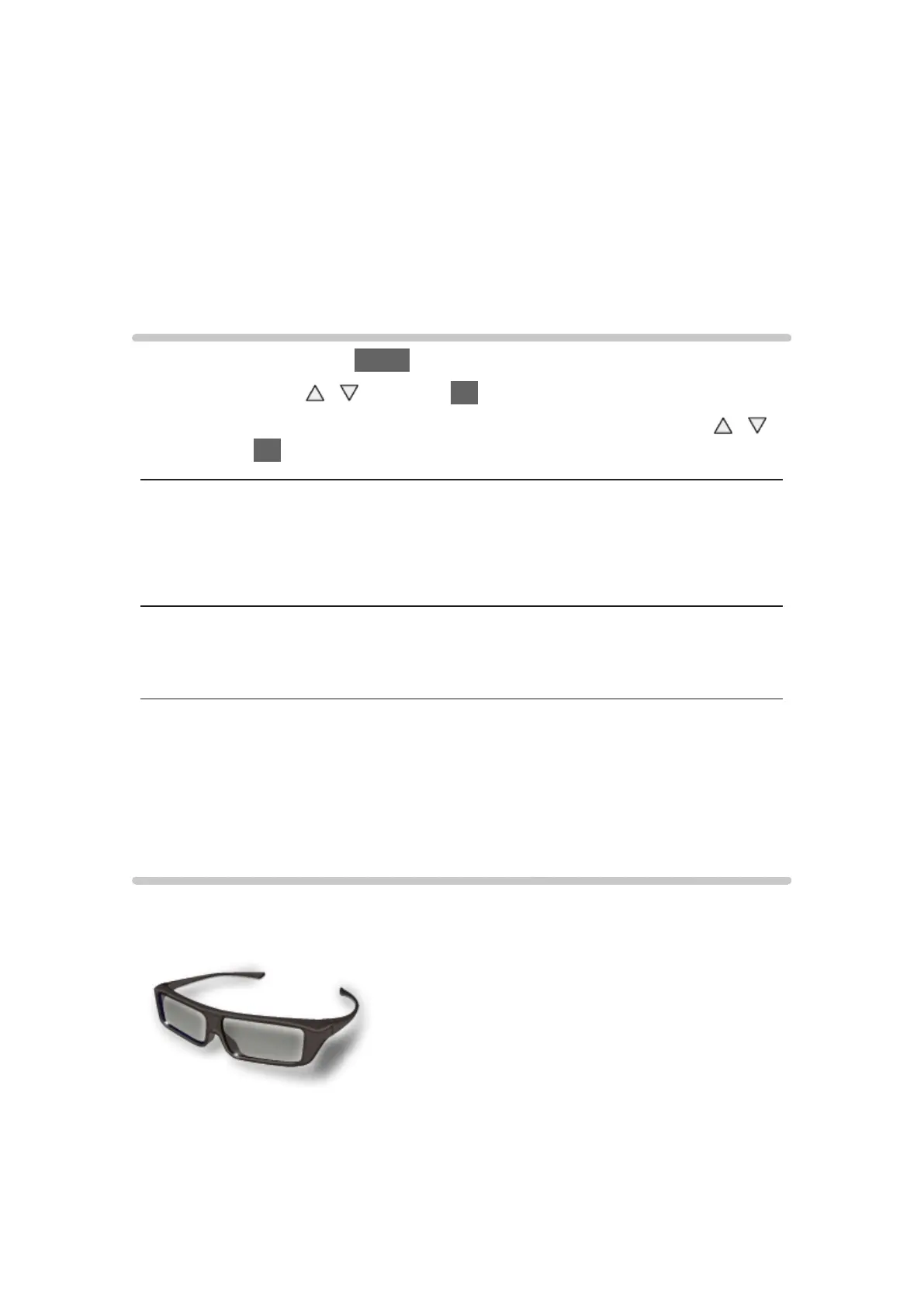
3D Eyewear
■ 3D Eyewear
●
TY-EP3D20E
(1 pack includes 2 eyewears)
– If you need 3D Eyewear additionally, please purchase this optional
accessory.








 To Next Page