- 82 -
Hub or Router
Internet environment
DLNA Certified media server
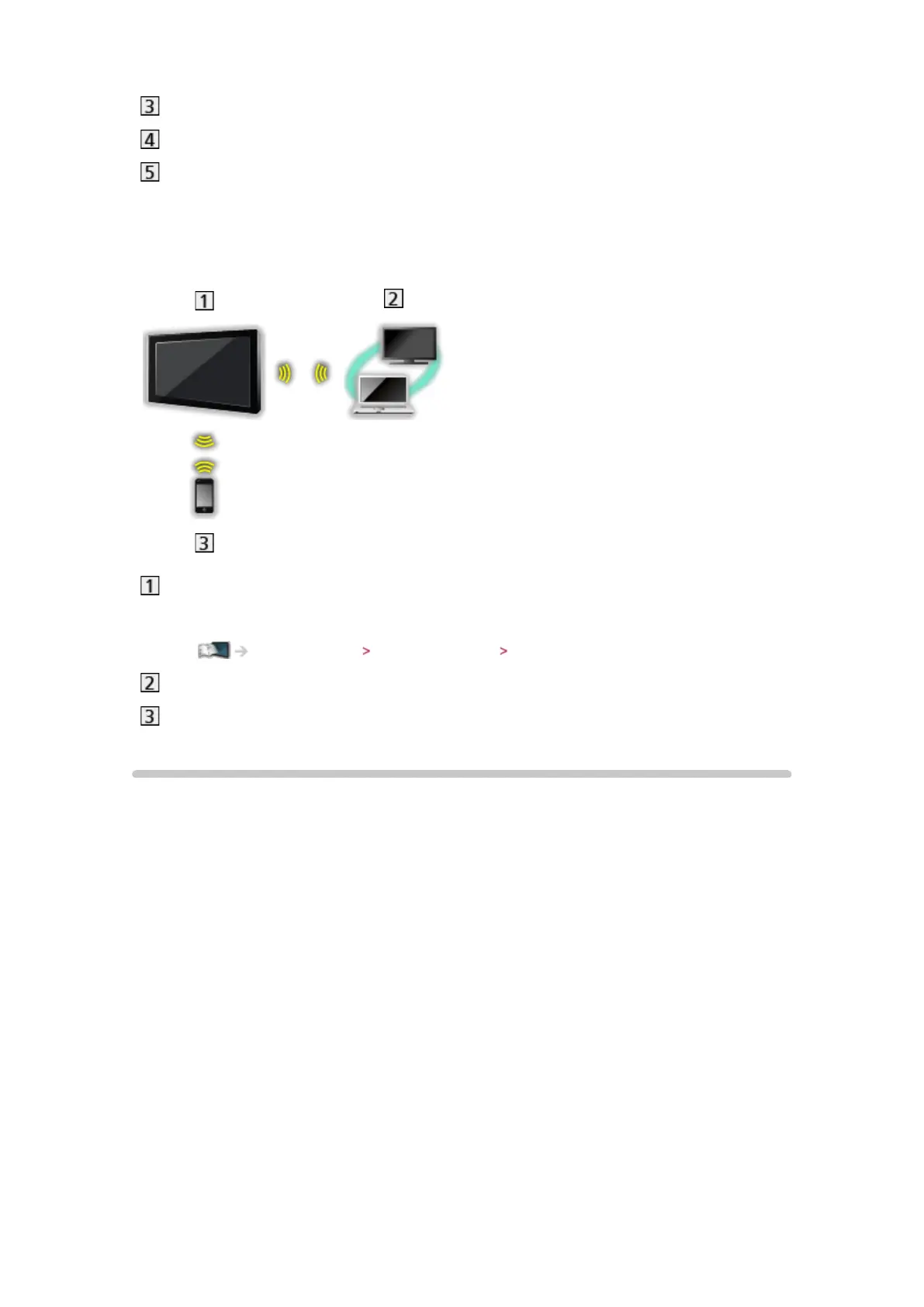
■ Wireless connection (For DLNA)
TV
●
To use the TV as a wireless access point
Home network Network settings Custom - Wireless Access Point
DLNA Certified media server
Smartphone
Note
●
Ensure to use a LAN straight cable.
●
Set up and connect equipment required for the network environment. You
cannot make such settings on this TV. Read the manual of the equipment.
●
If you use the equipment compatible only with 100BASE-TX, category 5 or
later LAN cables are required.
●
Turn the TV off, and then on again when changing or making the network
connection again.








 To Next Page