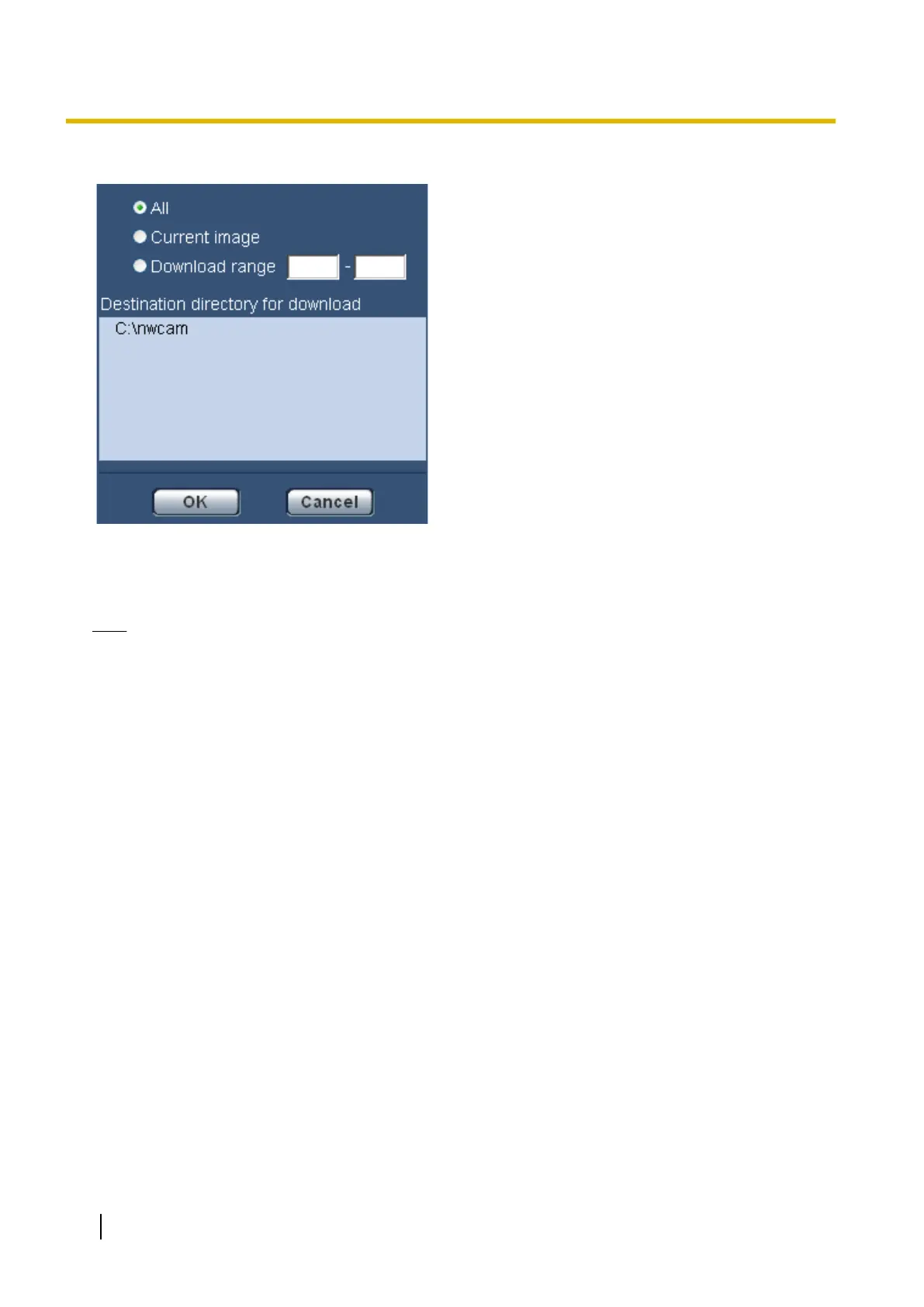
Select the image to be downloaded, and then click the [OK] button.
• All: All images saved at the selected time and date will be downloaded.
• Current image: Only the currently displayed image will be downloaded.
• Download range: Images in the designated range of number of images will be downloaded.
Note
• When the [Cancel] button is clicked in the process of the download, the download will be canceled. In
this case, images already downloaded before clicking the [Cancel] button will be saved on the PC.
• In the process of the download, the operation buttons on the “Playback” page are invalidated.
[Browse] button
When successfully logged in after the user authentication process, a folder on the SD memory card in which
images are saved will be displayed. (®page 59)
36 Operating Instructions
7 Playback of images on the SD memory card











 To Next Page