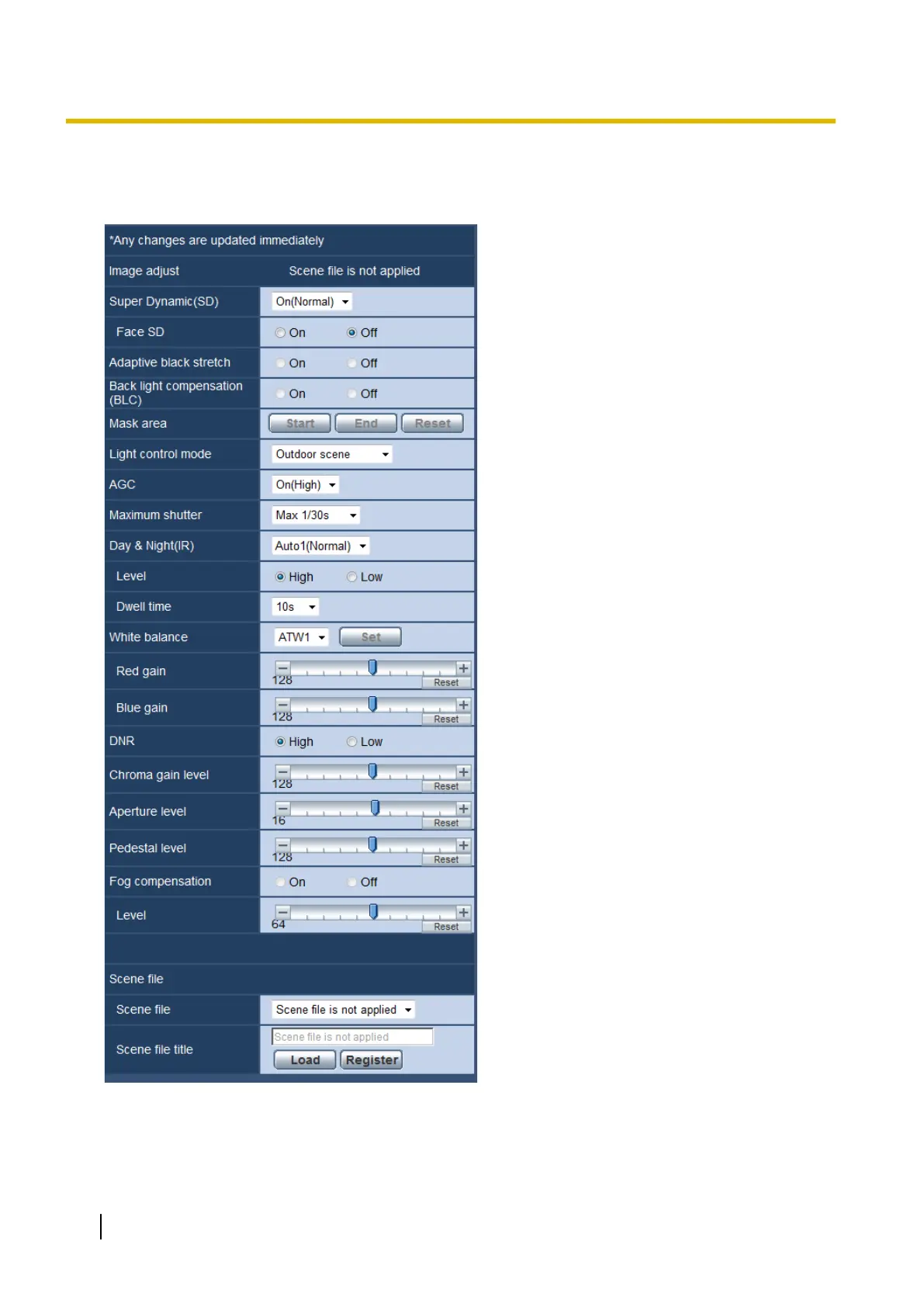
The settings relating to image quality can be configured with the setup menu displayed in a newly displayed
window. When the values are changed, the changed values will be applied to the currently displayed image
on the [Image quality] tab.
86 Operating Instructions
11 Configure the settings relating to images and audio [Image/Audio]










 To Next Page