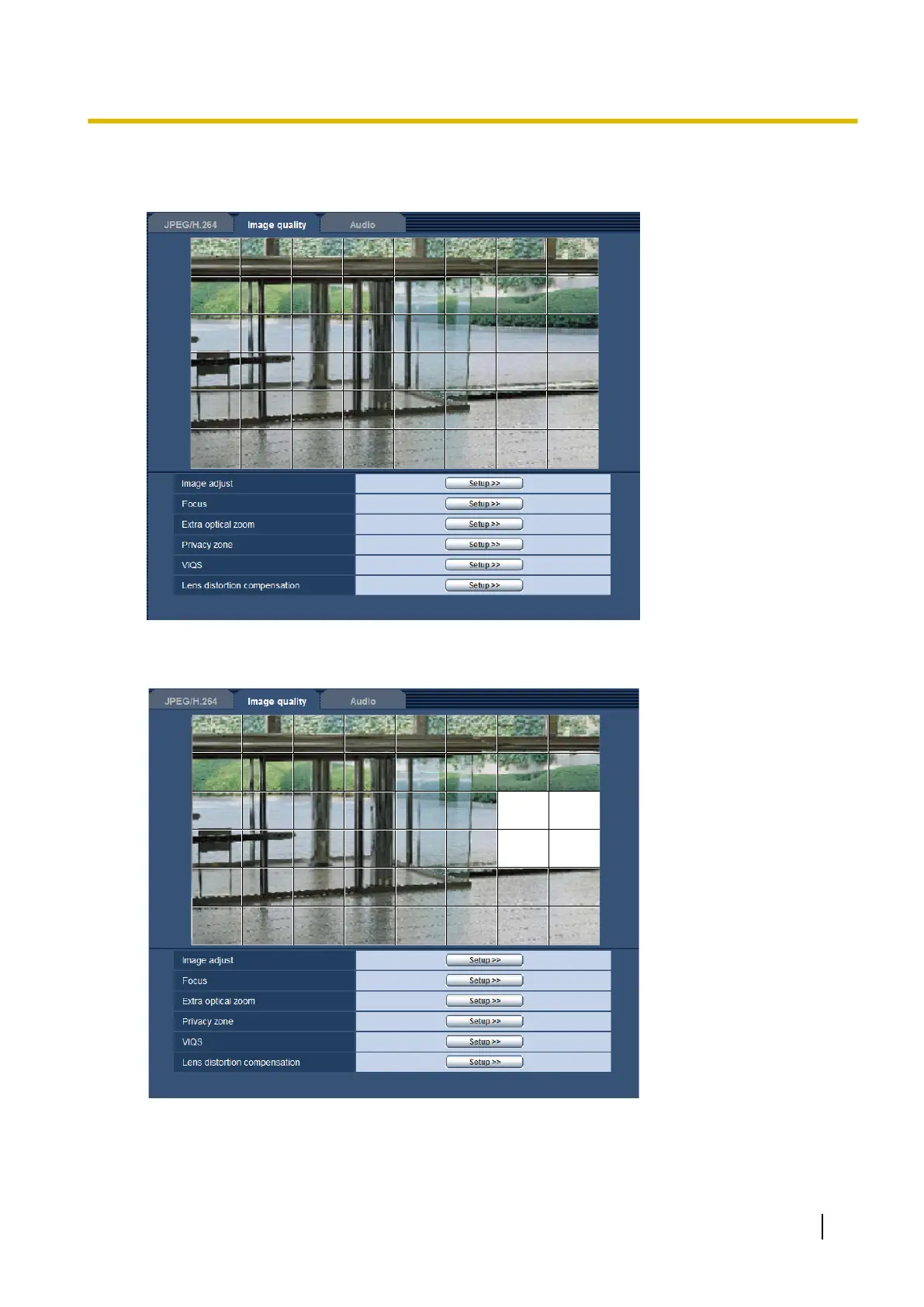
2. Click the [Start] button of “Mask area”.
→ Borders will appear and the image displayed on the [Image quality] tab will be divided into 48 (6x8).
Extra optical zoom/Focus adjustment
3. Click the divided areas to be masked.
→ The clicked areas will be masked and will become white. To cancel masking, click the area again.
4. Click the [End] button after completing masking areas.
→ The borders on the image displayed on the [Image quality] tab will disappear.
Operating Instructions 95
11 Configure the settings relating to images and audio [Image/Audio]










 To Next Page