My Phone Menu 33
Animation
You can change the animation on the display when the phone is
switched on.
From My Phone
1.
4 Display A(Select)
2.
4 Animation A(Select)
3.
4 Animation 1 or Animation 2 A(Select)
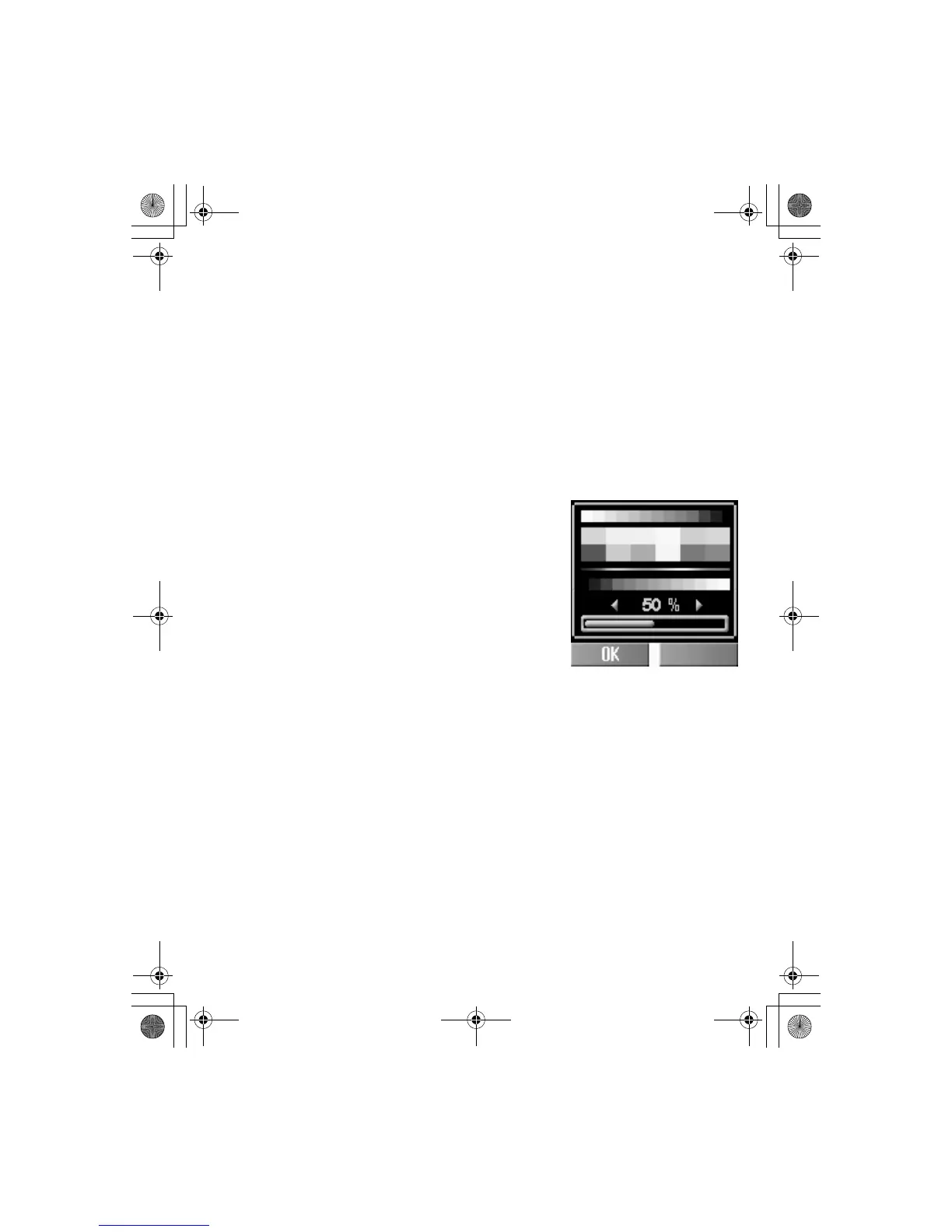
Contrast
You can adjust the contrast of the display.
From My Phone
1.
4 Display A(Select)
2.
4 Contrast A(Select)
3.
4 Adjust the contrast
A(OK)
Brightness
You can adjust the brightness of the display.
From My Phone
1.
4 Display A(Select)
2.
4 Brightness A(Change)
3.
4 Maximum, High, Medium, or Low A(Select)













 To Next Page