74 Messages Menu
MMS settings
Configuring MMS
From Messages
1.
4 Settings A(Select)
2.
4 MMS A(Select)
3.
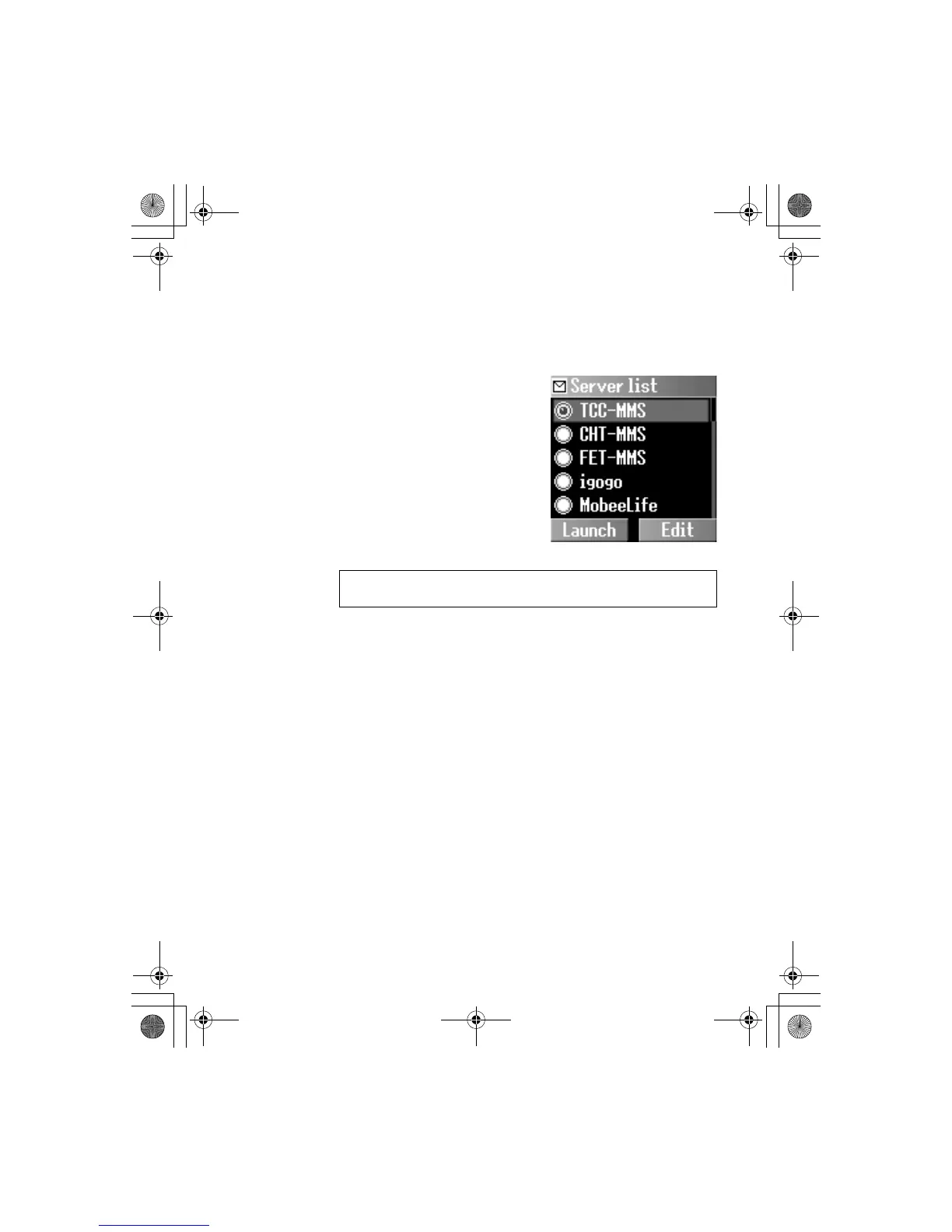
4 Server list A(Select)
4.
4 required server @(Edit)
Five server settings can be set up in the phone. If you find your
server’s name under the settings option, select the server and
@(Edit). If no settings are present, contact your network service
provider for these settings.
You can edit the following settings:
- Server name
- IP address
-IP port
- Homepage
-Linger time
- Connection (Auto, CSD or GPRS setting)
- CSD settings
- GPRS settings
NOTE: Your network operator may have pre-installed this number. Do
not change this number as it may cause failure of MMS messaging.













 To Next Page