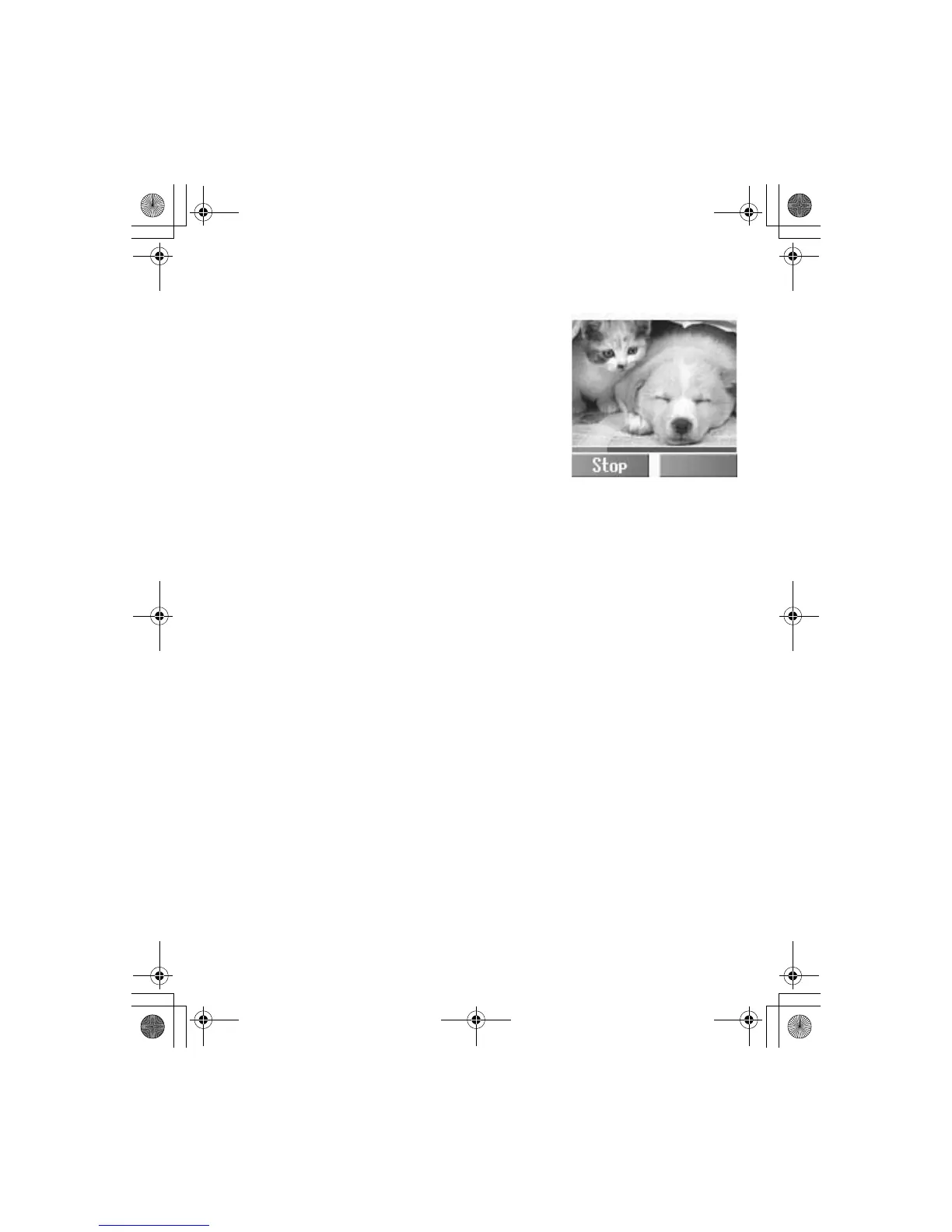
Camera Menu 71
Recording
In Video Preview mode
Press the Shutter Key to start
recording a video clip
Press the Shutter Key once more to
stop recording a video clip.
Playing the video clip
In Still Picture mode
1.
A(Options)
2.
4 Play A(Select)
Viewfinder
In Still Picture mode
1.
A(Options)
2.
4 Viewfinder A(Select)
Sending the video clip via MMS
In Still Picture mode
1.
A(Options)
2.
4 Send via MMS A(Select)
3.
@(Insert) to add multimedia files
4.
A(Options)
5.
4 Send via MMS A(Select)
6. Enter the required information
A(Option)
7.
4 Send A(Select)













 To Next Page