Contacts Menu 43
Browsing the Contacts list
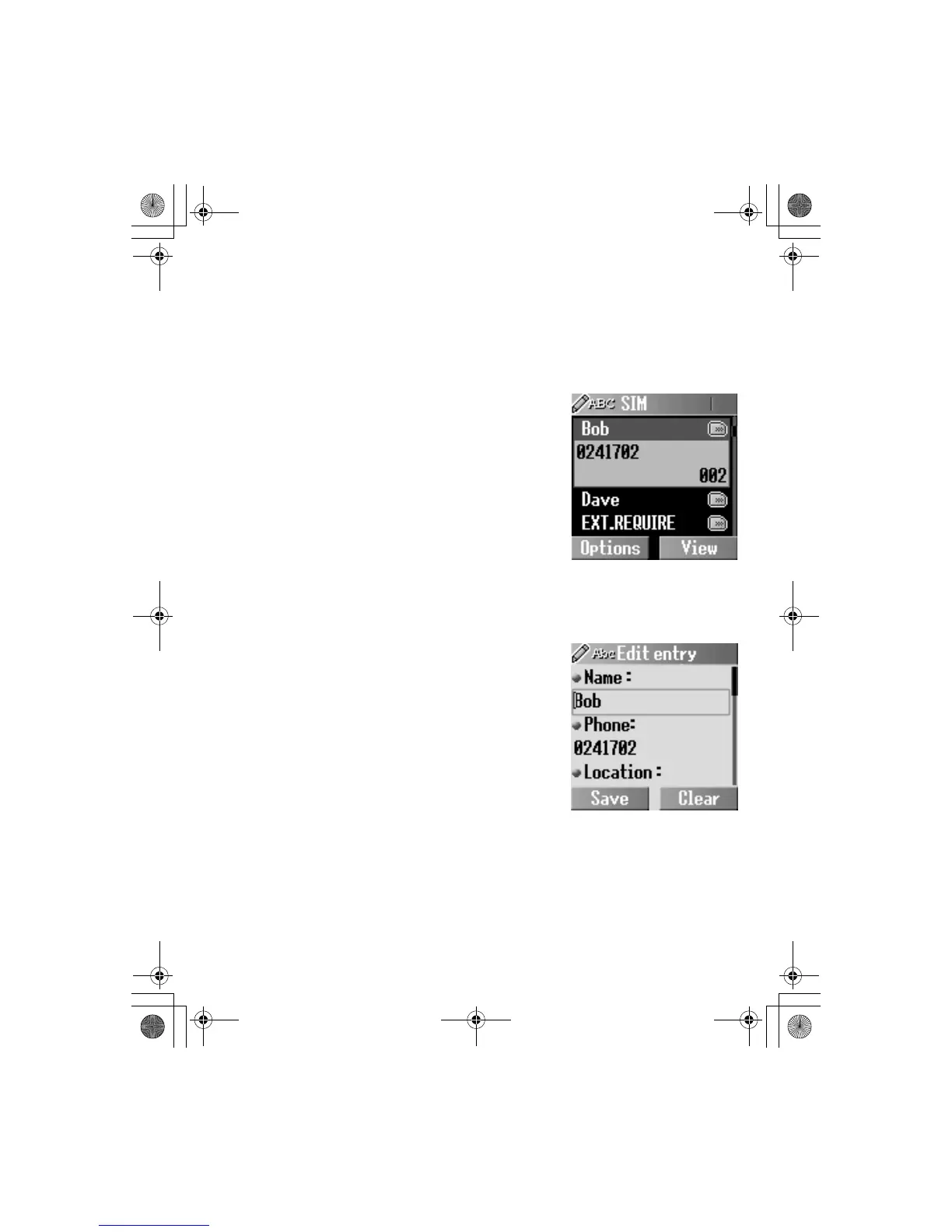
Viewing the Contacts list in your SIM/Phone
You can search for a number in the Contacts list.
From Contacts
1.
4 Browse > SIM or Phone
A(Select)
2.
4 required contact entry
@(View)
OR
Enter a letter to find a contact
beginning with the specific letter
3.
A(Options)
4.
4 View A(Select)
Editing the Contacts list
From Contacts
1.
4 Browse > SIM or Phone
A(Select)
2.
4 required contact entry
A(Options)
3.
4 Edit A(Select)
4. Enter the name
5
5. Enter the phone number 5
6. @(Change) required
location
5
7. @(Change) required record number A(Save)













 To Next Page