44 Contacts Menu
Deleting a Contacts entry
From Contacts
1.
4 Browse > SIM or Phone A(Select)
2.
4 required contact entry A(Options)
3.
4 Delete A(Select)
4. “Delete this entry?”
A(Yes) or @(No)
Deleting all Contacts entries
From Contacts
1.
4 Browse > SIM or Phone A(Select)
2.
A(Options)
3.
4 Delete all A(Select)
4. “Delete all entries?”
A(Yes) or @(No)
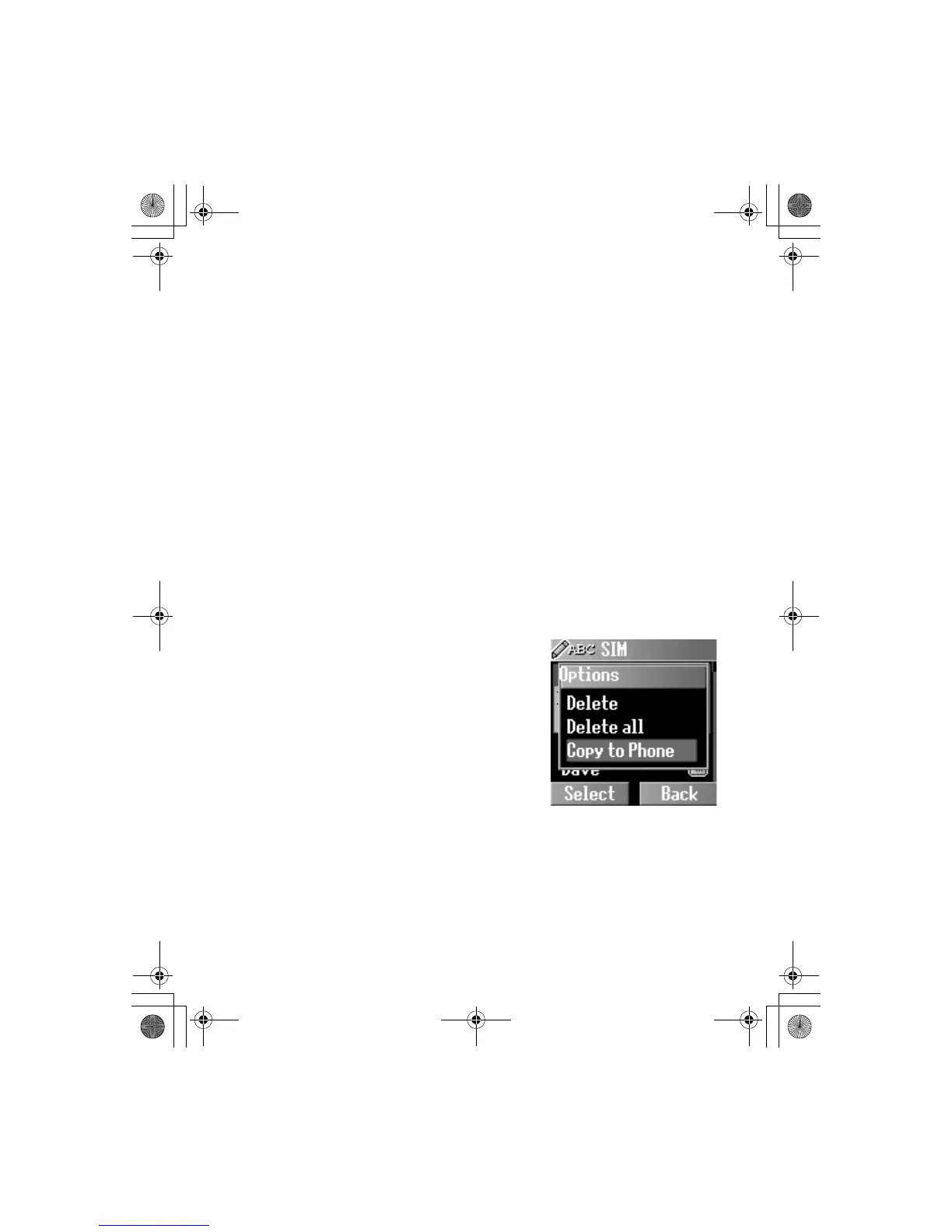
Copying the Contacts entries to your SIM/Phone
From Contacts
1.
4 Browse > SIM or Phone
A(Select)
2.
4 required contact entry
A(Options)
3.
4 Copy to SIM or Copy to
Phone
A(Select)
4. “Copy entry to phone?” or
“Copy entry to SIM card?”
A(Yes) or @(No)













 To Next Page