32 My Phone Menu
Display
Wallpaper
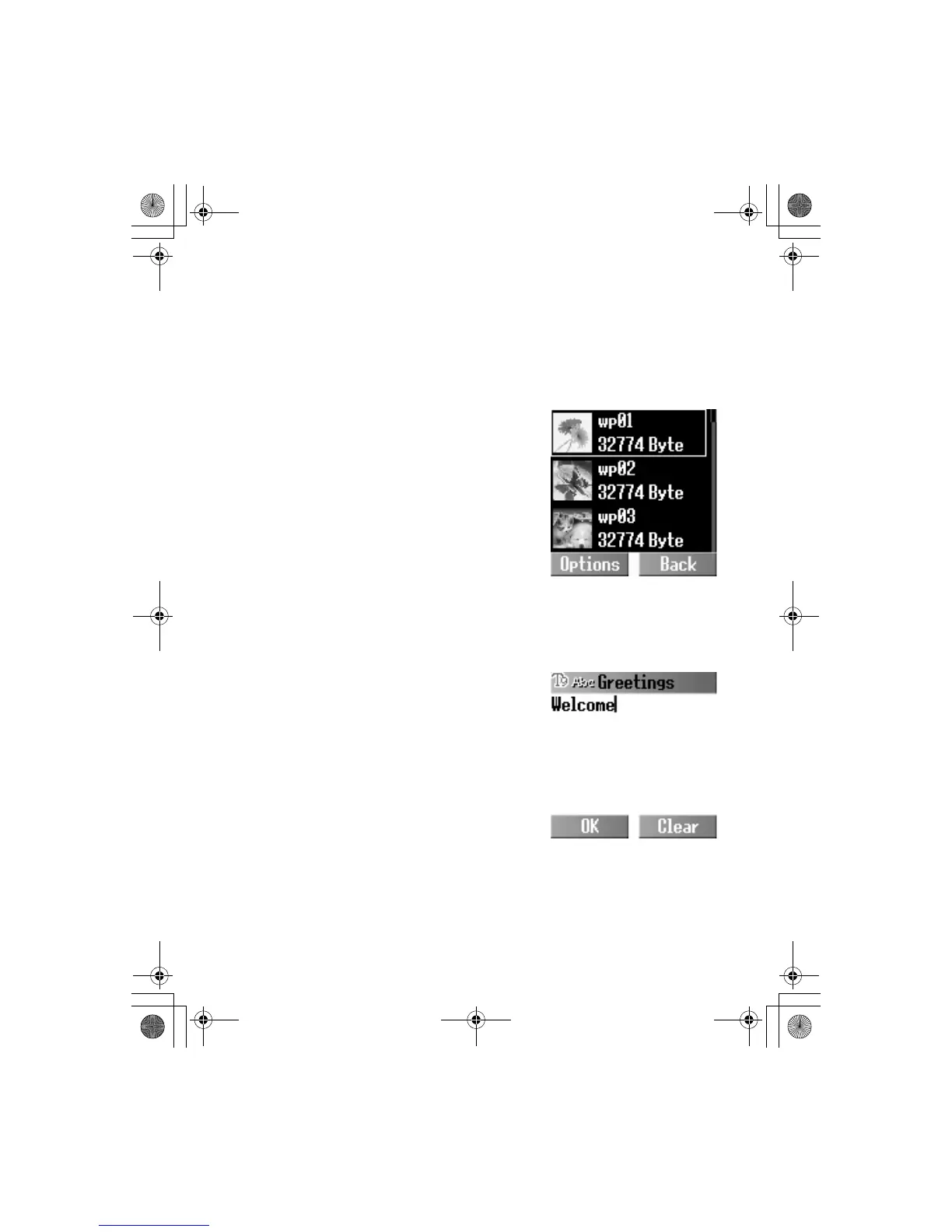
You can change the wallpaper on the idle display. Idle mode can
also change to the clock.
From My Phone
1.
4 Display A(Select)
2.
4 Wallpaper A(Select)
3.
4 Default image, Download
image or Off
A(Select)
4.
4 required wallpaper
A(Options)
5.
4 Select A(Select)
Greeting
You can create a greeting message that is displayed each time
the phone is switched on.
From My Phone
1. 4 Display A(Select)
2.
4 Greeting @(Edit)
3. Enter the greeting
A(OK)
4.
A(On/Off)













 To Next Page