48 Contacts Menu
FDN
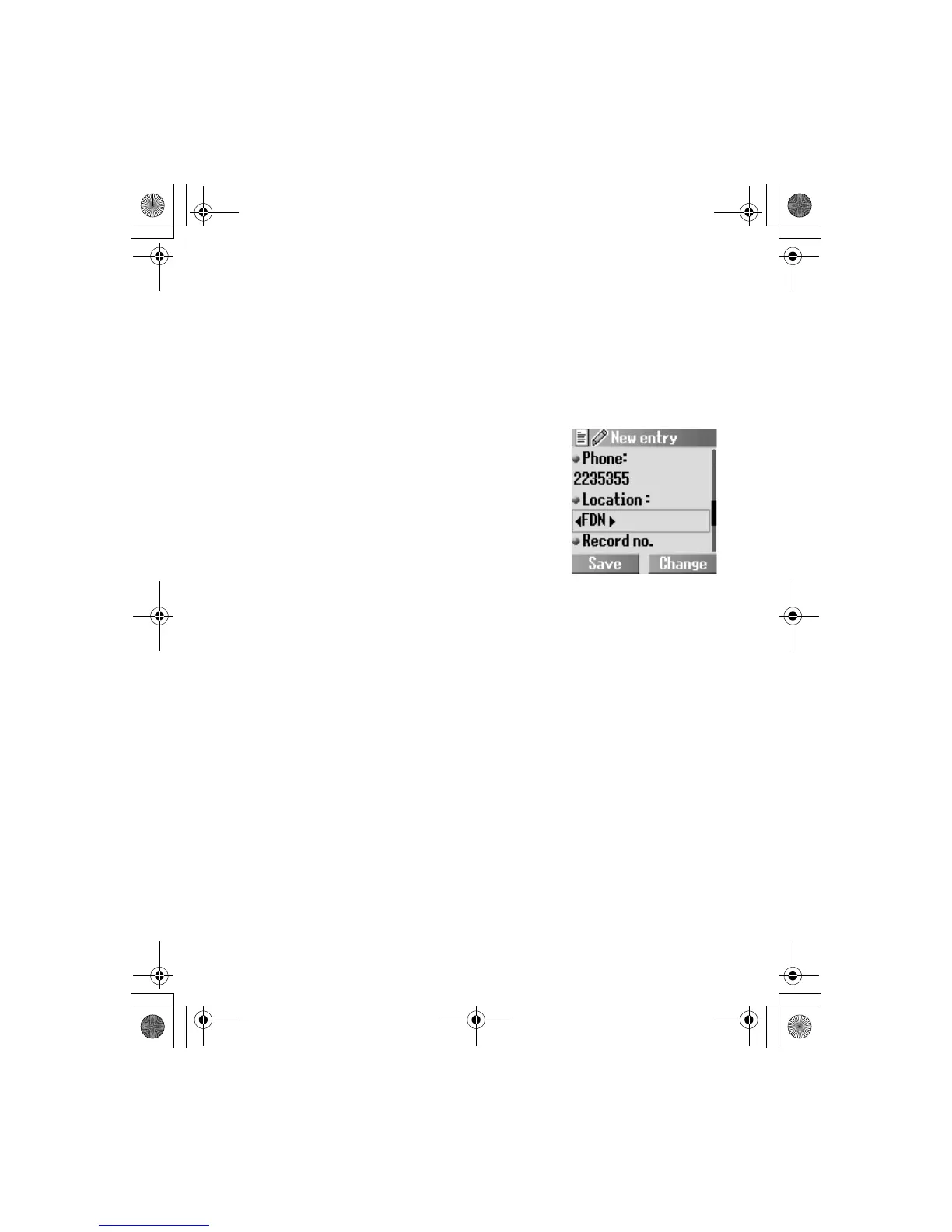
Storing a Contacts entry in FDN:
To store a fixed dial number, you need to enter your PIN2 code.
The Fixed dial feature allows you to limit your outgoing calls to a
certain set of numbers saved in FDN, which is located in your SIM.
When this function is on, only the Fixed dial numbers can be
dialled, and any attempt to call any other number will fail.
From Contacts
1.
4 Create A(Select)
2.
4 SIM A(Select)
3. Enter the name
5
4. Enter the phone number 5
5. @(Change) FDN 5
6. @(Change) required record
number
A(Save)
7. Enter your PIN2
A(OK)
ã To activate this function, you need to set Fixed dial on. See page 97.
ã You can select the country code by pressing
@(+List) in step 4.














 To Next Page