18
Security-service system Pandora Light
Engine heater
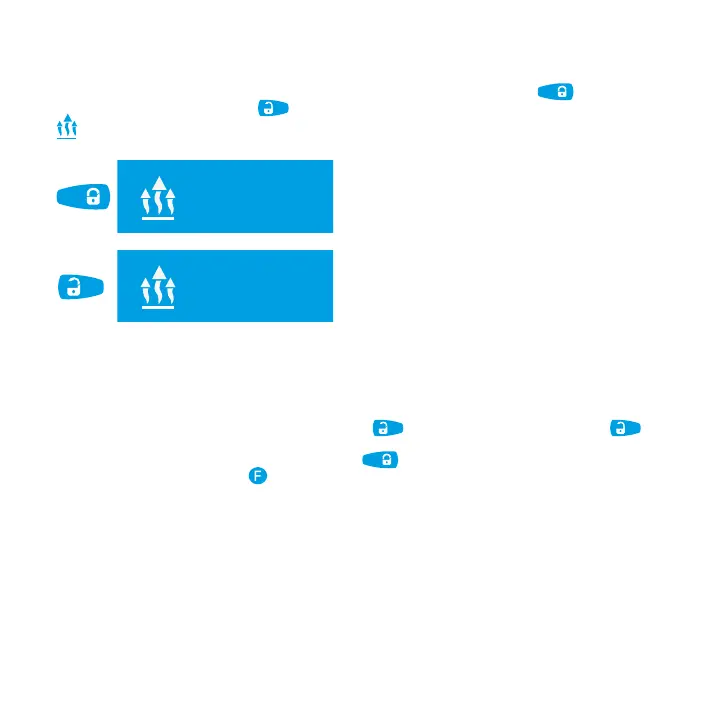
To switch on engine preheater, select “ENGINE HEATER MENU” and shortly press button. To
switch off preheater, shortly press
button. If preheater monitoring is enabled, LCD will display
con during engine preheater operation.
engine
preheater
12 48
0
engine
preheater:
enabled
Engine
preheater:
disabled
engine
preheater:
enabled
Preheater operation is disabled
Preheater operation is enabled
Timer channels
Time channels can be used to implement additional functions and to control external devices. Timer
channels can be adjusted via the Pandora Alarm Studio.
To enter “TIME CHANNELS MENU”, shortly press
button. The following presses of
button will cause switching between channels.
To activate/deactivate the channel, shortly press
.
To exit menu, press and hold
button for 1 second.



 To Next Page