7
User manual
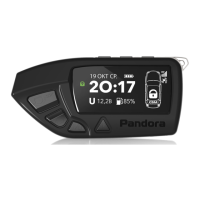
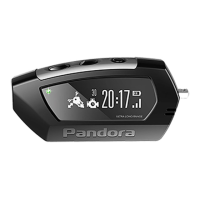
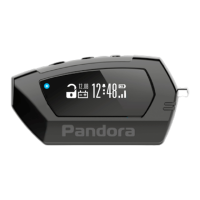
Quick access functions of the remote control
System is disarmed
System is armed
(no alarm events)
Ignition is switched on Ignition is switched o
(short press)
Lock doors without
arming
Arming with sound
confrmation
Search mode – flashes of turn
signals with
sound signals for 5 seconds
(1 sec.)
Arming without sound
confrmation
Search mode – flashes of turn
signals without
sound signals for 5 seconds
(2 sec.)
Switch on «Ignition
maintenance» mode
(3 sec.)
Switch on «Programmed
neutral»
Remote engine start
(short press)
Unlock doors Unlock doors
Disarming with sound
conrmation
(1 sec.)
Unlock doors
Disarming without sound
conrmation
(> 2 sec)
Switch o «Ignition
maintenance» mode
Switch o the ignition during
remote or automatic engine
start procedure.
(short press)
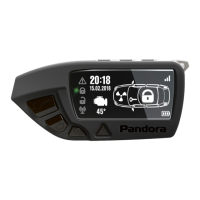
Switch on LCD lighting (available only on the remote with LCD)


 To Next Page