OPERATOR MANUAL Page 27 Getting Started
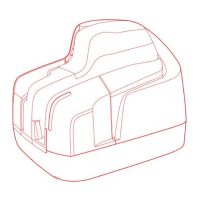
5. In the event that the outer cover has to be
removed, first disconnect the USB cable
and the power cables and then lift the outer
cover.
6.
Please follow the instructions listed in
chapter 5.1.2.
7. If the jam occurs in the image camera area,
it is advisable to open the front image
camera (see Fig.31) so that the document
can easily be removed.


 To Next Page