OPERATOR MANUAL Page 28 Getting Started
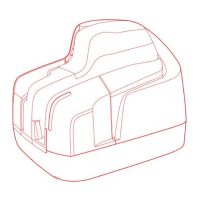
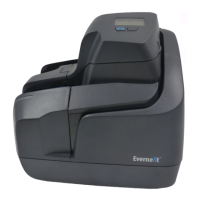
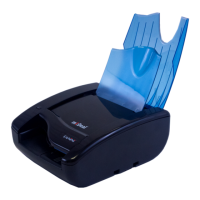
8. Insert the outer cover by aligning the two shafts
with the holes in the bottom cover of the unit
(Fig.32). Insert the two teeth located on each side
of the outer cover in the bottom cover and lock it
(Fig. 33 and 34).
9. Reconnect the USB and power cables.


 To Next Page