Getting Started 13
Inserting the SIM card, microSD Card and
Battery
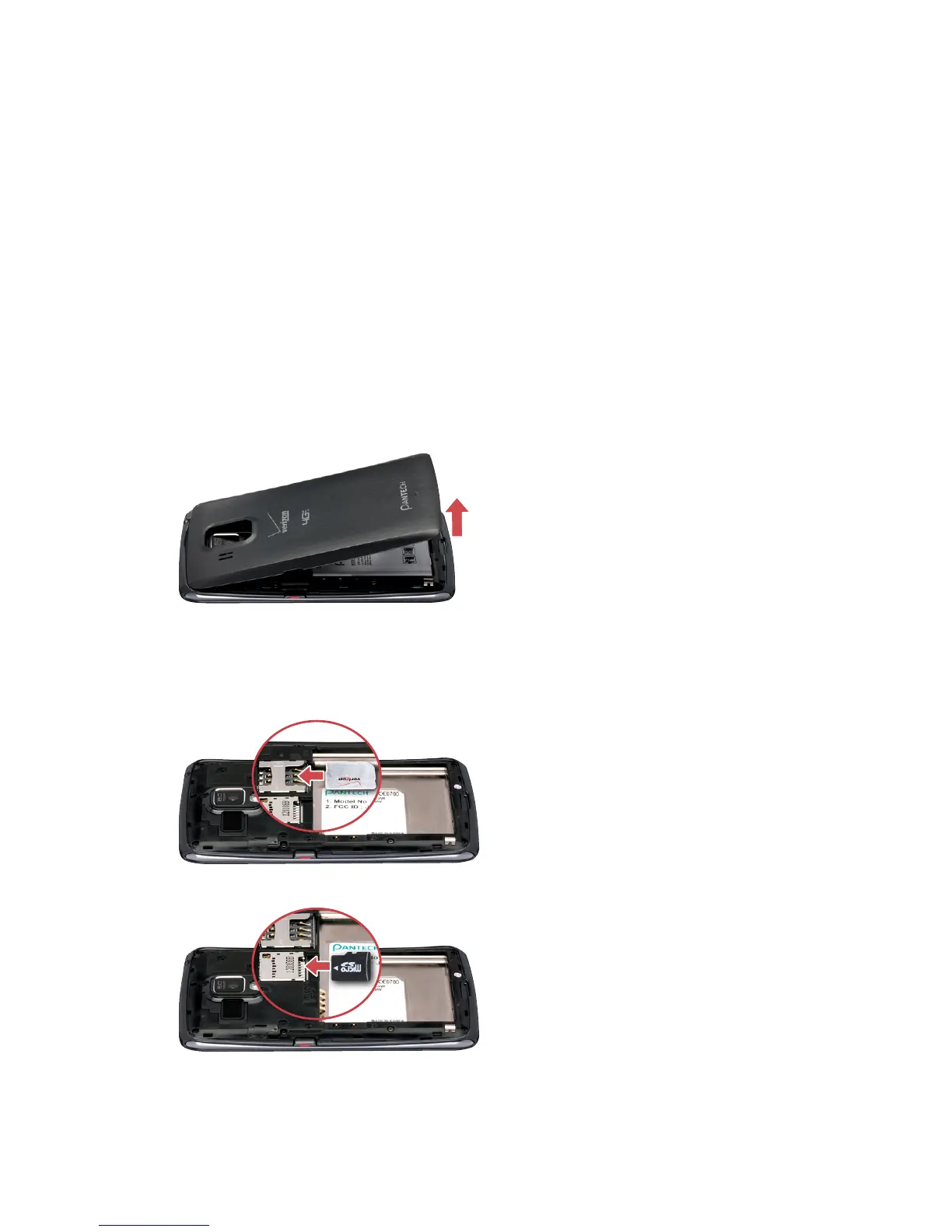
Insert the SIM card provided by the wireless carrier and the battery.
Use a microSD card to expand available file storage. The microSD card is sold
separately.
1. If the smartphone is on, press and hold the Power/Lock key and choose
Power off to turn it off.
2. Remove the battery cover. Use the groove at the bottom of the
smartphone to lift the cover from the smartphone.
3. Position the microSD and SIM cards with the logos facing up and slide
them into place until they are fully inserted.



 To Next Page