Basic Operations 53
Net Media
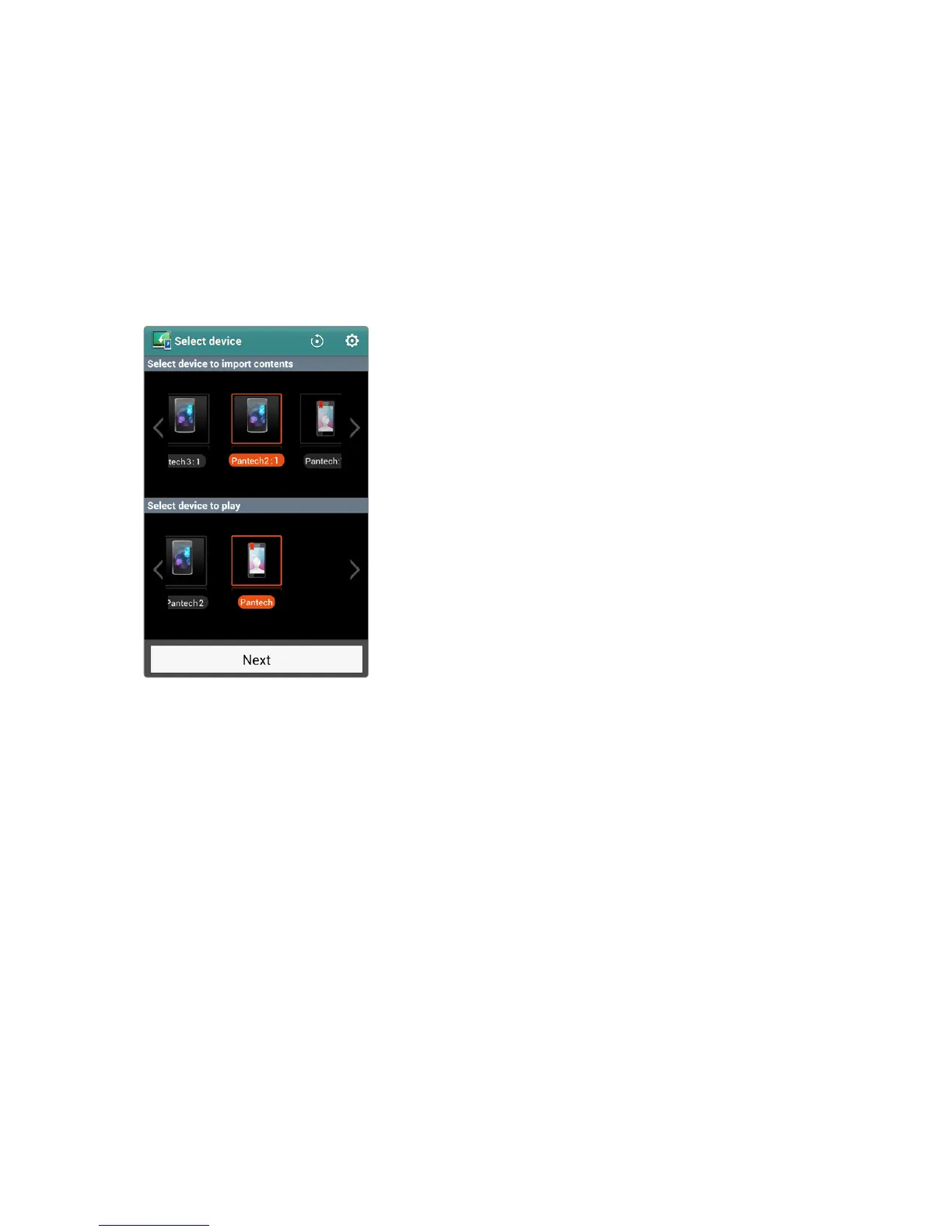
Net Media allows users to share and stream many kinds of media, including
image, music and video, between DLNA-enabled devices. Make sure DLNA
devices are connected to the smartphone via Wi-Fi Direct or on the same
Wi-Fi network.
Tap Net Media from the Apps screen to open.
In Starter mode: Apps > All Apps > Net Media
Key Features
The smartphone can play three roles: a media server, a media player, or a
media controller.
• When acting as a media server, the smartphone allows other devices to
access the smartphone for media content sharing. Configure the media
server using the setting menu.
• When acting as a media player, the smartphone can play media files
from other devices as well as itself.
• When acting as media controller, the smartphone can command a
device to play media files from another device.



 To Next Page