34 Basic Operations
Standard Mode
Home Screen
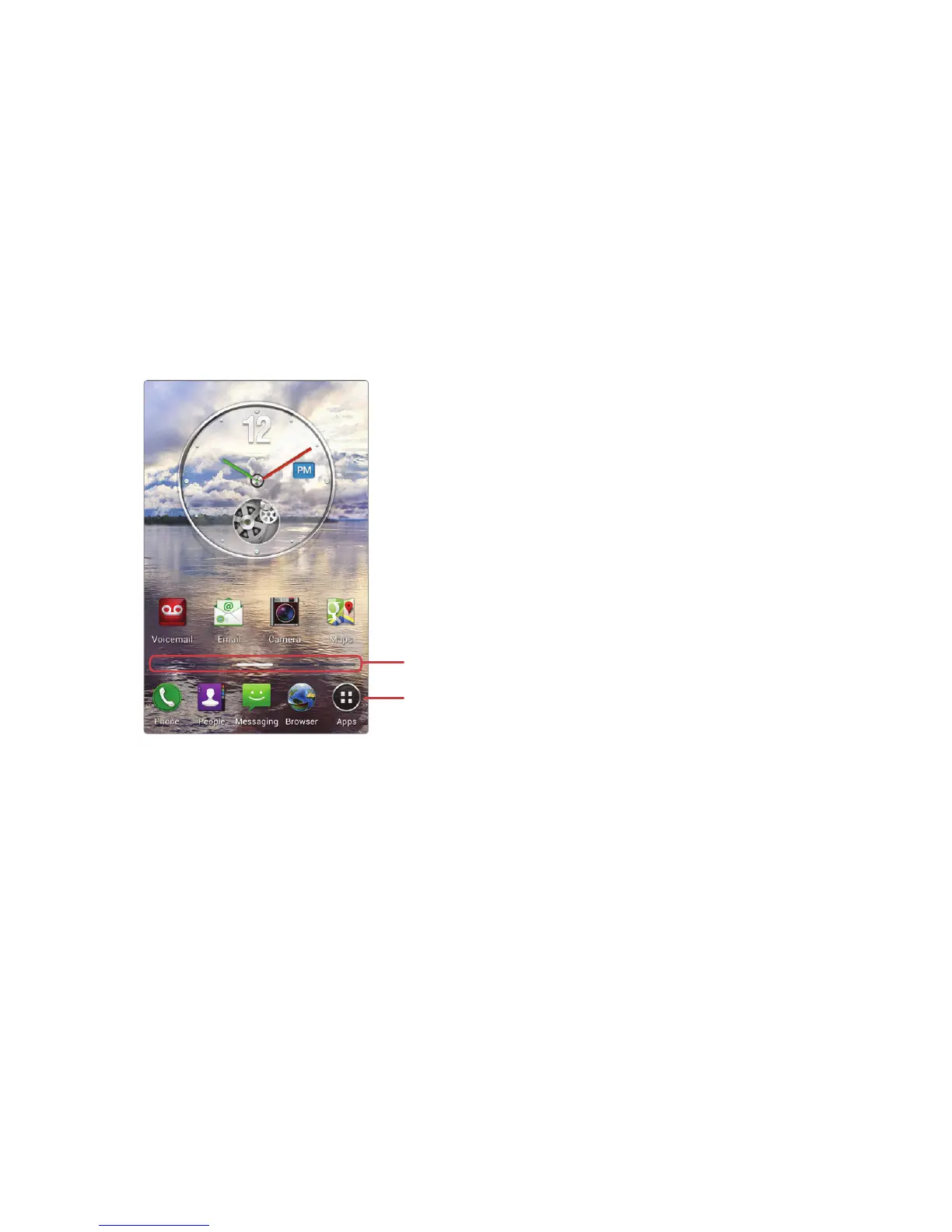
The Home screen is the starting point for accessing this smartphone’s
features. It displays widgets with useful functions and shortcuts to apps.
The Home screen has multiple pages. To see the other pages, flick the screen
left or right or, alternatively, tap the bar on the bottom of the screen.
Launcher
Bars for Home screen pages
Launcher
The Launcher, which is on the lower part of the Home screen, provides
immediate access to the most frequently used apps. Tap an app shortcut to
open the app.
To see more app shorcuts in the Launcher, flick the Launcher left or right.



 To Next Page