24 Getting Started
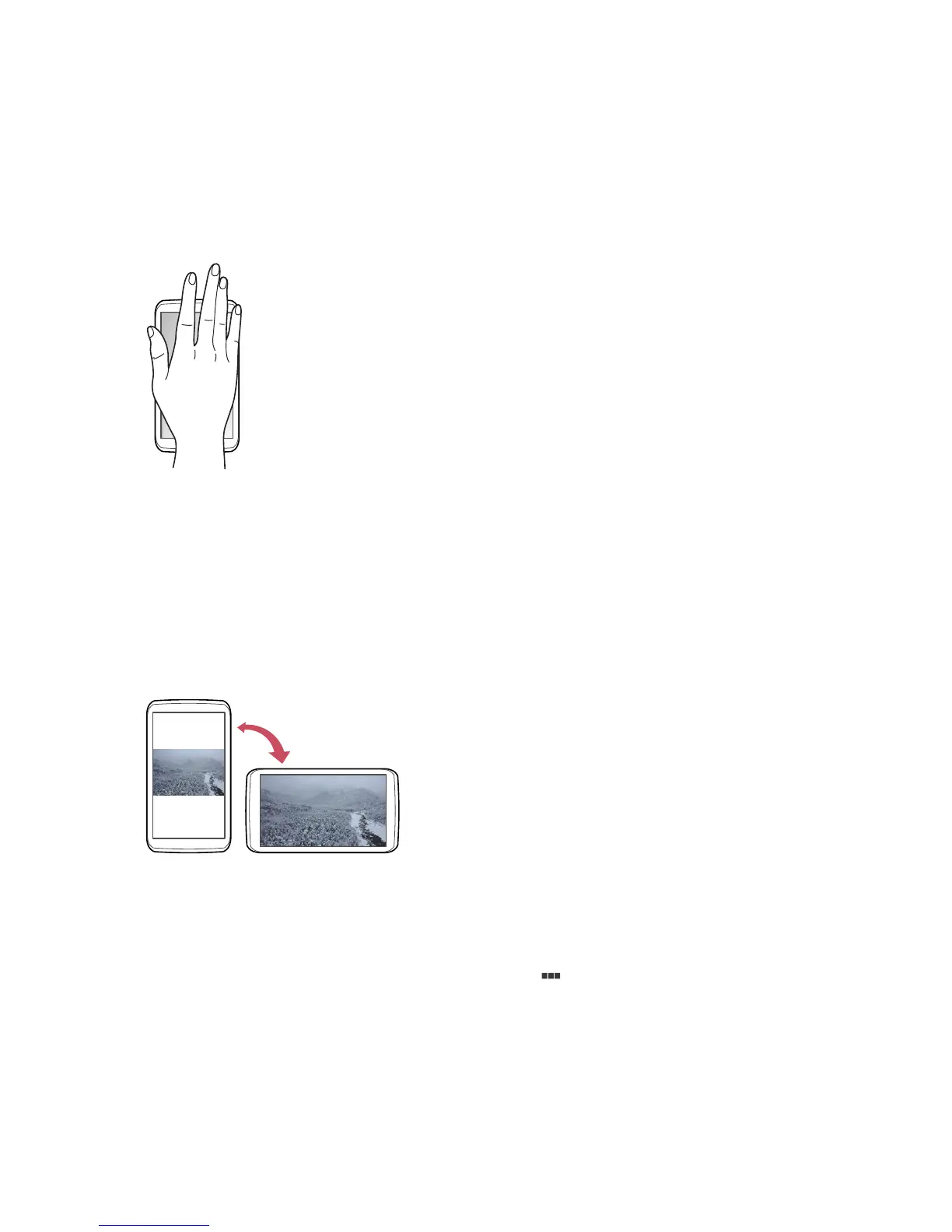
Covering
When using the Music app, cover the screen with a palm to pause or resume
playback.
When using Gallery, cover the screen for a second to start or stop the
slideshow.
Rotating the Screen
Many apps allow display in either portrait or landscape orientation. Rotating
the smartphone causes the display to automatically adjust to fit to the new
screen orientation.
To prevent the display from rotating automatically, open the Notifications
panel and turn off Auto rotate. Alternatively, go to Apps > Settings >
Display > Auto-rotate screen.
In Starter mode: Apps > Settings > Display > > Auto-rotate screen or
Apps > Settings > System > Display > Auto-rotate screen



 To Next Page