Getting Started 23
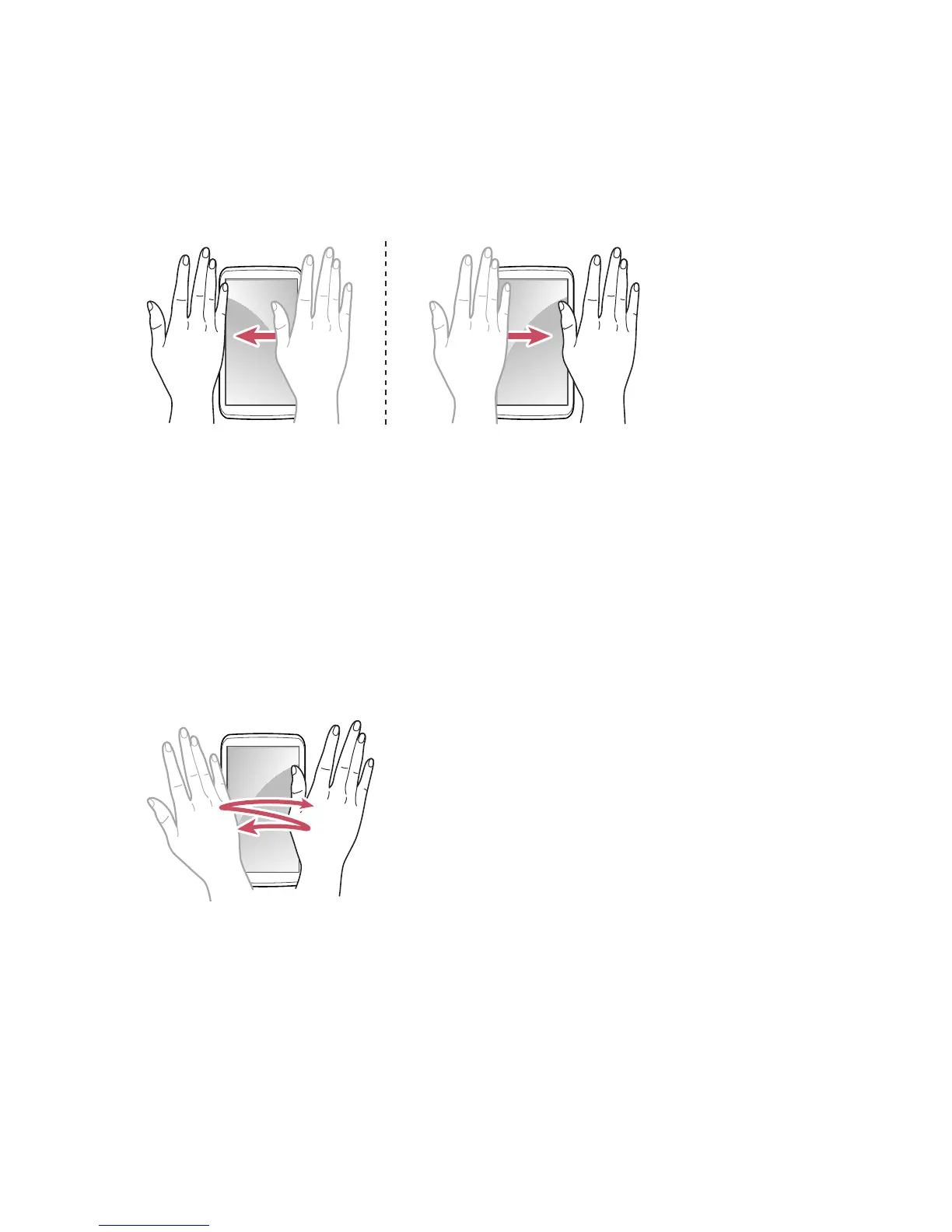
Sweeping
When using the Messaging, Music or Gallery app, sweep a hand to the left or
right over the screen to view the previous or next message, song or picture.
Motion recognition is disabled in interactive message screens.
Waving
Wave a hand twice or more over the screen to answer a call.
Go to Apps > Settings > Motion recognition > Receive voice call.
To use the speakerphone, select Speaker phone usage then Use speaker
phone.
In Starter mode: Apps > Settings > System > Motion recognition >
Receive voice call



 To Next Page