Getting Started 25
Using the Speed Dialpad
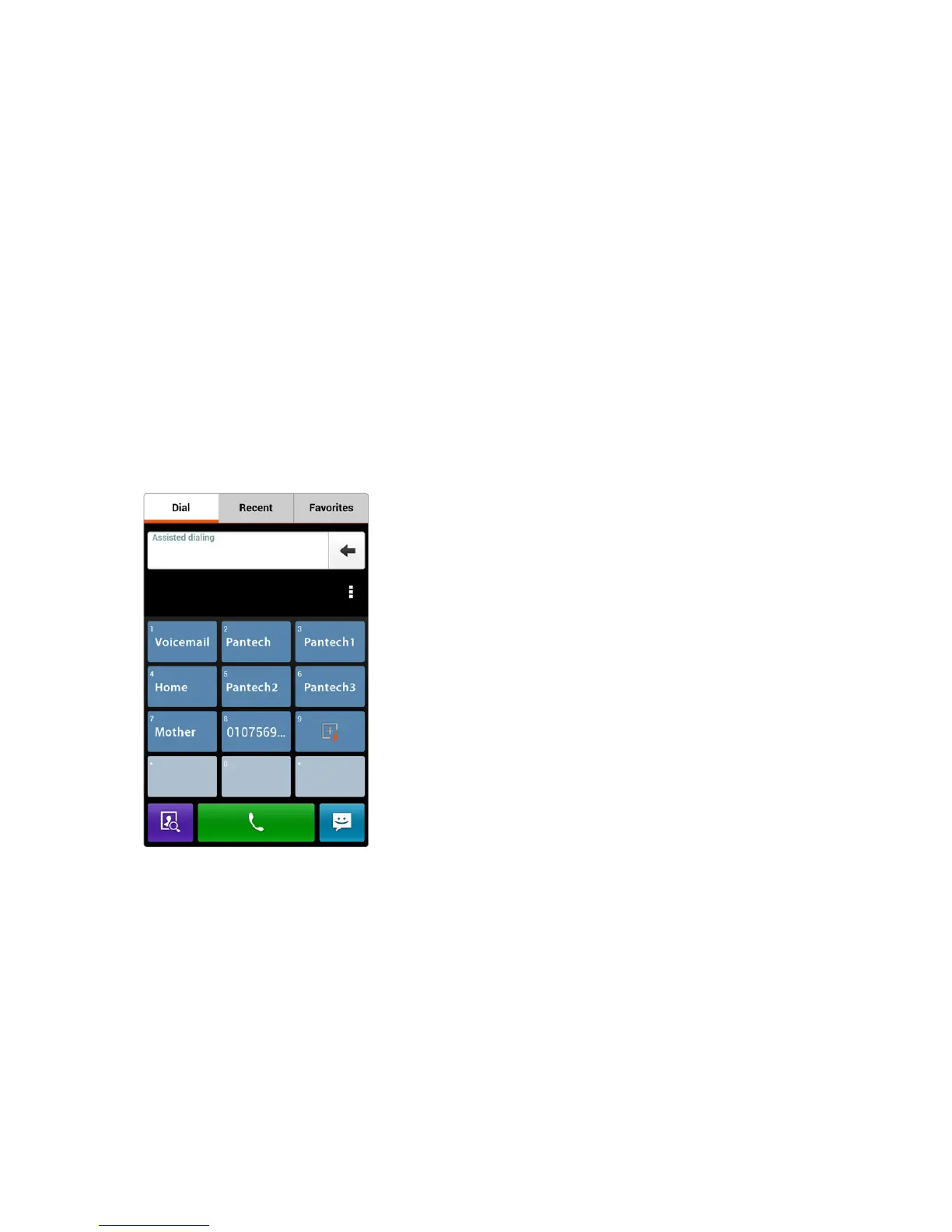
The normal dialpad can transform into the speed dialpad by simply tilting
or flipping the smartphone. To activate this feature, open Phone, tap D >
Dialpad gesture, and then choose Motion-tilt or Motion-flip.
• Motion-tilt: With this option chosen, tilt the smartphone back to display
the speed dialpad, and tilt forward to return to the normal dialpad.
• Motion-flip: With this option chosen, shake the smartphone back and
forth to switch between the normal dialpad and the speed dialpad.
Open Phone and tilt or flip the smartphone to view the speed dialpad. To
set a speed-dial number, tap a blank key and select a phone number from
the contacts list. Tapping a key makes a call to the contact associated with
the key.



 To Next Page