44 Basic Operations
Opening Bookmarked Webpages
Go to the Bookmarks page Á, then tap a bookmark thumbnail.
To add a bookmark, tap a blank shortcut Y, and then select a bookmark.
To delete a bookmark, tap Edit, tap a bookmark which is marked with a
minus symbol X, then tap Done.
Tap the search field to open the Search app. See “Search” on page 135 for
details.
Apps Screen
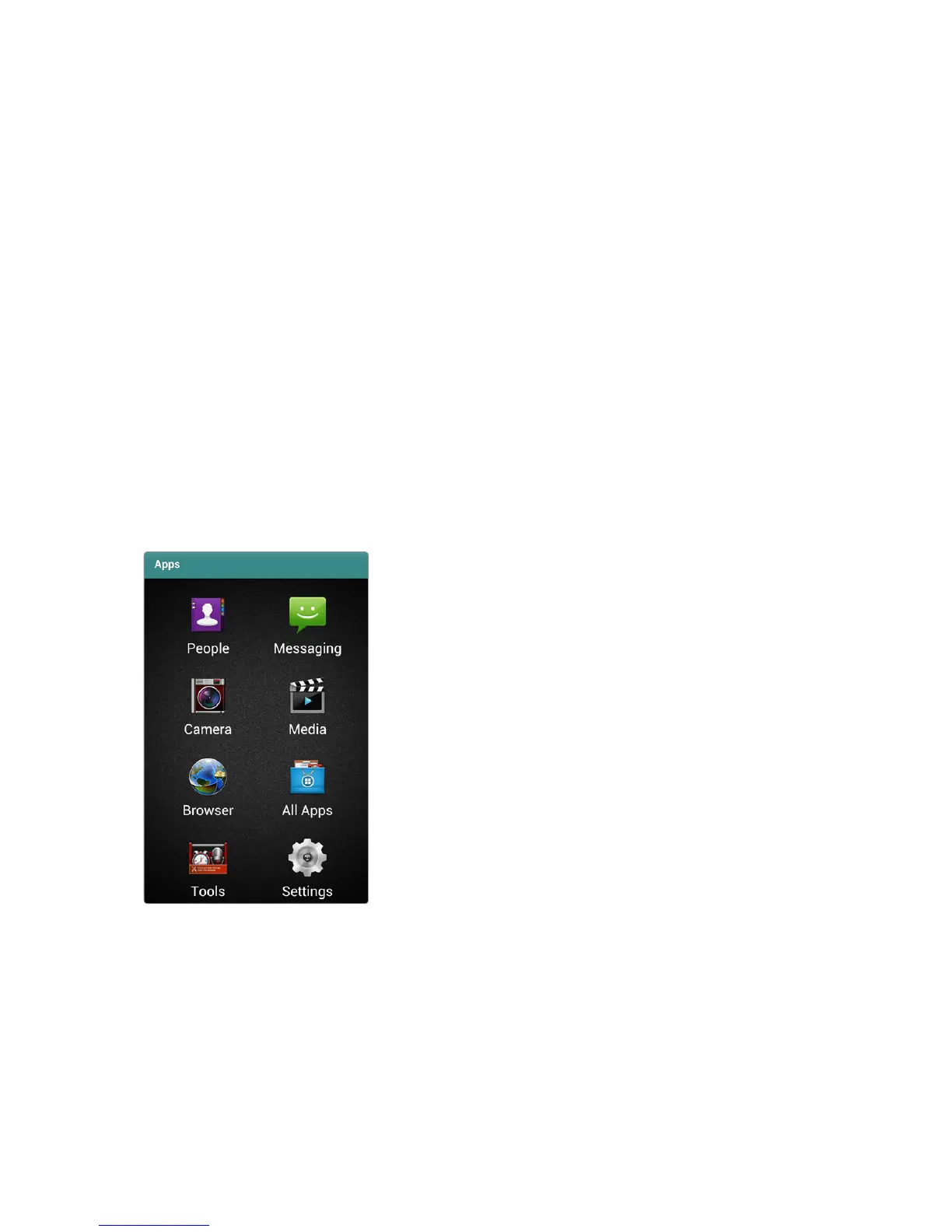
Tap Apps in the Launcher to open the Apps screen.
The Apps screen displays icons for the most frequently-used apps and a few
folders that contain similar kinds of apps.
Tap All Apps to access the rest of the apps, including any new apps installed.



 To Next Page